

AGEphone, virtualized in the cloud.
The one talking is AI.
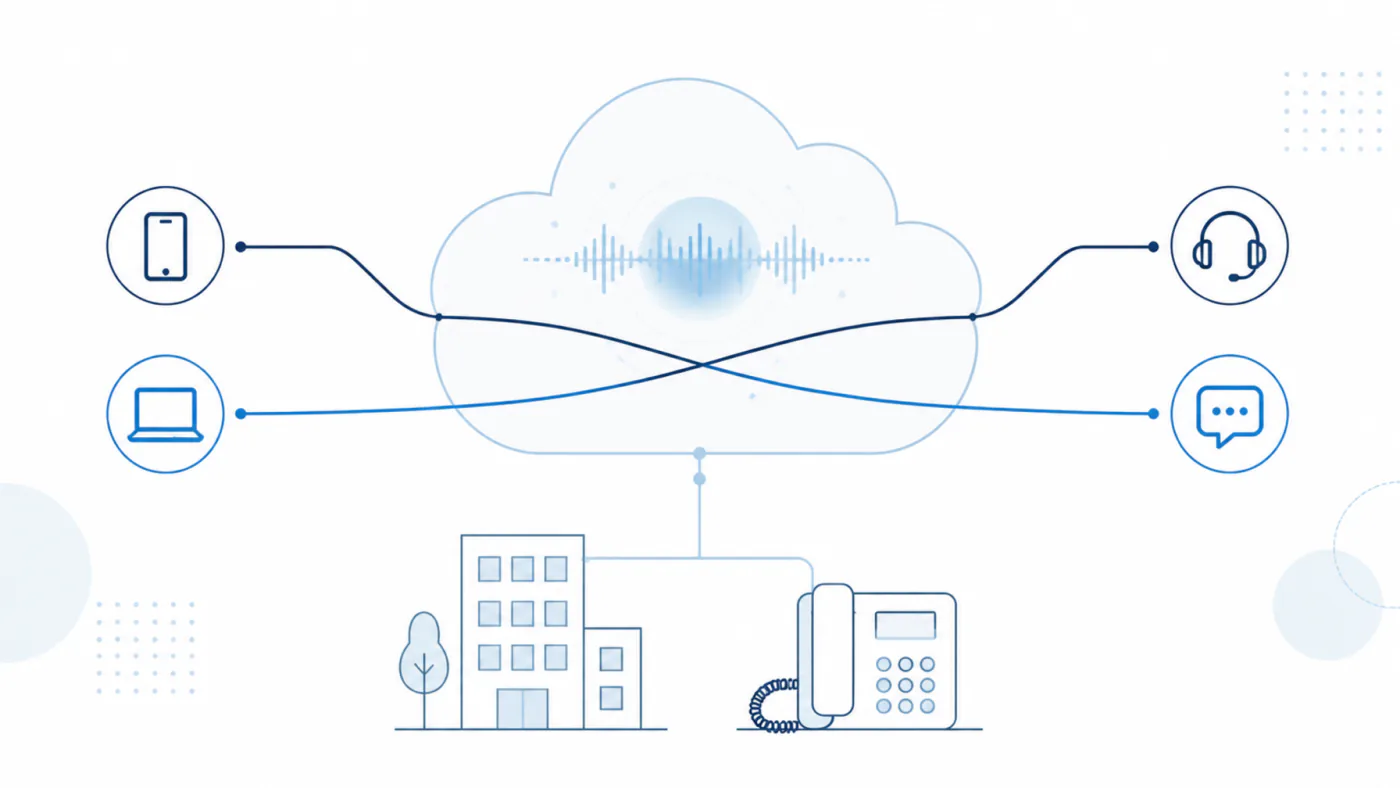
We virtualized AGEphone itself, whole, in the cloud.If AGEphone has connected to your PBX or SIP server before, this connects as it is。Adding a voice AI agent feels like adding one more handset — it joins as an extension, and both the calls it takes and the calls it makes go over real lines.
Because the virtualization was done by the people who have built AGEphone for twenty years, connection compatibility is there from the start. Your numbers and your PBX stay as they are, with no cabling work and no number migration.
HUMAN
AGENT
Twenty years of AGEphone, moved to the cloud.
AI does the talking, in place of a person.
The most valuable information in a company still passes through conversation. How warm a deal feels before it is signed, what a customer really thinks, a judgement made on site — none of that ends up in a document. It ends up on the phone. And the phone is also what takes the most time from the people who answer it. Every ring stops somebody's work, and a call outside business hours reaches nobody at all.
Since the AGEphone softphone in 2005, we have spent twenty years moving telephony onto IP and turning it into something recorded, written down and searchable. Virtual AGEphone continues that line of work.The AGEphone SIP client, refined over twenty years, virtualized in the cloud — with AI doing the talking in place of a person.Not a simulation of a demonstration: real conversations with real people over real SIP lines. That is Virtual AGEphone.
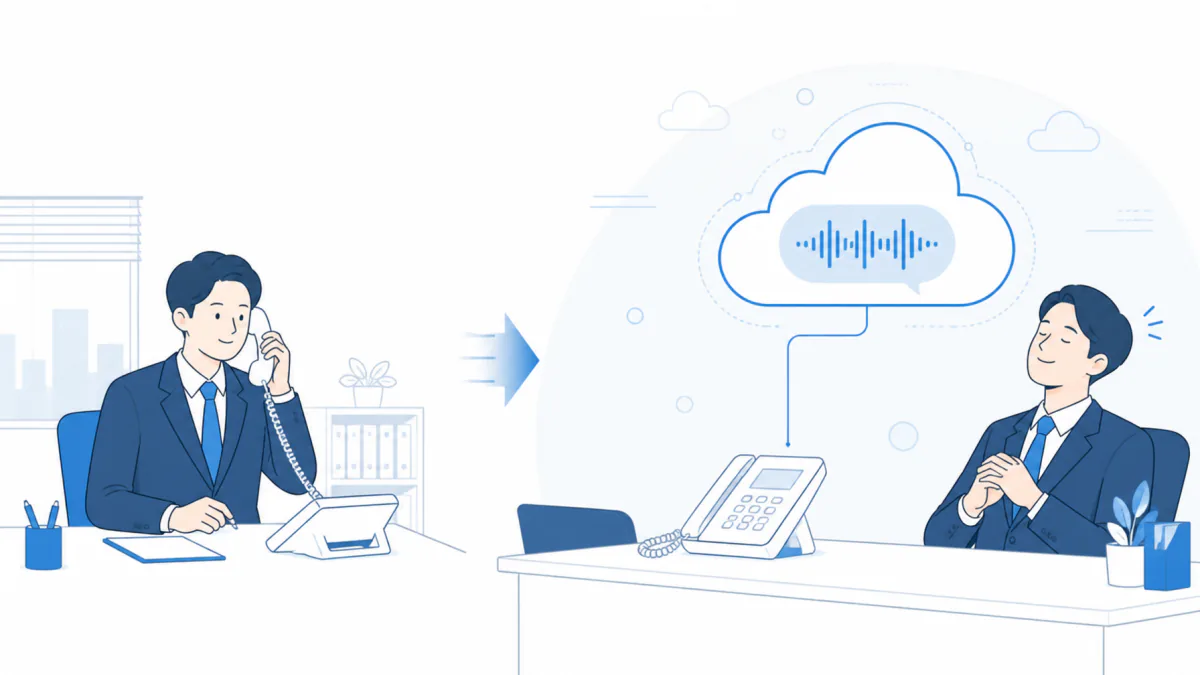
Virtual AGEphone joins the phone system you already have — your PBX or cloud PBX — as an extension、, and both the calls you take and the calls you make are handled by AI: another person on the calls, living in the cloud. As well as answering and transferring, AI makes outbound calls on real lines — appointment confirmations, reminders, first contact and callbacks.We are growing this service into something more than a tool for taking and making calls: a voice operations platform on which conversations are designed, supervised as they happen, reviewed afterwards, and improved for next time.
It goes into your phone system as it is
Your numbers and your PBX stay put. Any phone system AGEphone connects to will take Virtual AGEphone as an extension. There is no cabling work and no number migration.
The conversation can be designed
The greeting, the manner of speaking, the scope of what may be answered and the transfer rules are designed on screen as a business profile. Because it switches per number, one deployment fronts several departments and brands.
It does not only answer — it calls
As well as answering, AI makes outbound calls such as appointment confirmations and notices, on a schedule or through a list.
Every conversation becomes an asset
Calls are recorded with the human and AI voices separated, and a transcript and an AI summary are generated. What was said on the phone becomes business data you can search and share.
People keep hold of the reins
What AI may say, who it may transfer to, who it may call and when are all bounded by what an administrator has set. Where the judgement is unclear, the default is to pass the call to a person.
How it relates to the AGEphone series — AGEphone and AGEphone Cloud are softphones for people to talk on; Virtual AGEphone is a cloud service for AI to talk on, joining the same phone system. They are not alternatives but companions. People answer on AGEphone during the day while Virtual AGEphone takes out-of-hours and busy calls; or AI answers first and transfers to a person's AGEphone. Where AGEphone is already in use, its line configuration can be imported at deployment.
To the phone network, one extension.
To the AI, ears and a mouth.
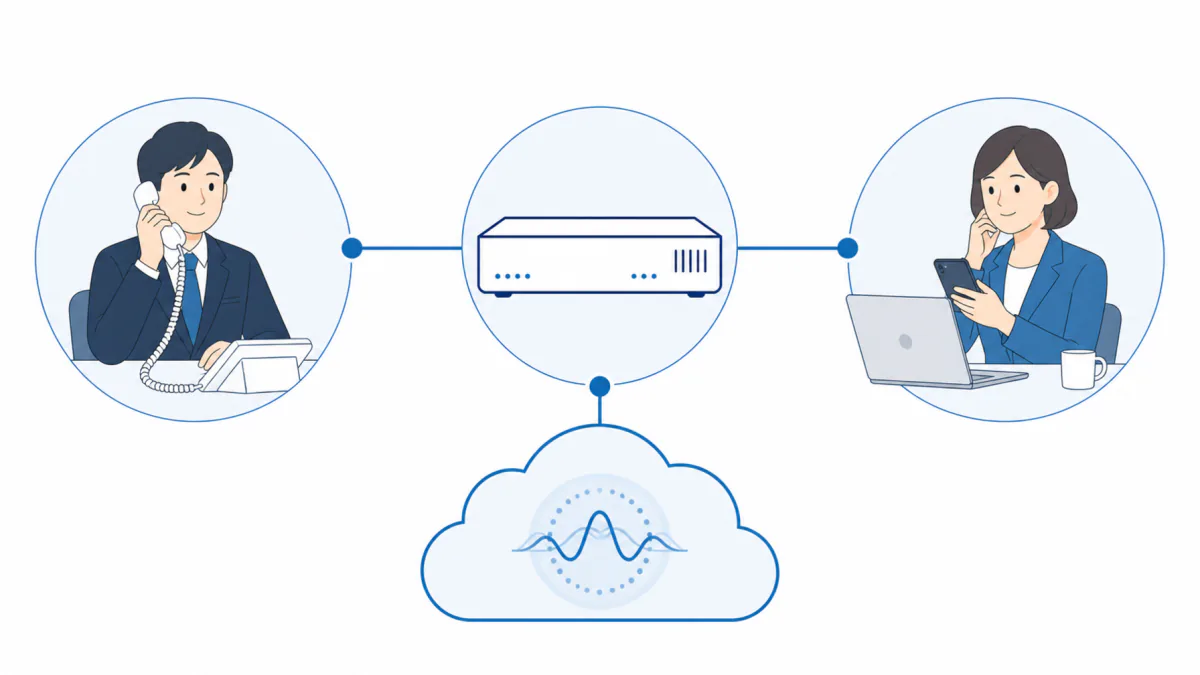
Virtual AGEphone is a virtual AGEphone running in the cloud. It registers with your PBX or cloud PBX as a SIP extension and makes and takes calls on the same footing as a physical handset. To the phone network it is one extension; to the AI it is ears and a mouth. It stands between the two, bridging the audio in real time.
Both signaling and audio support encryption (TLS and SRTP). Nothing in your phone network or PBX configuration is touched: the deployment is adding one extension. Conversations are designed in advance as business profiles, and the right one is chosen automatically from the number dialed.
AI answers calls to your main and departmental numbers
It establishes the reason, answers FAQs and transfers. Questions it can answer it answers, and only the calls that need a person reach one.
Asked for a particular person, it rings their extension
It can whisper the reason to that person before connecting, so they start on the substance straight away.
Calls a destination, a schedule or a list
AI makes the routine calls — confirmations, notices — and reports the results in a list.
Every call recorded, transcribed and summarized
All of it can be reviewed and searched from the console in a browser, at any time.
The only new thing is an AI that answers the phone. The phone equipment stays as it is.
From first-line answering on the main number
to out-of-hours reception and confirmation calls.
Anywhere there is phone work. Start with the calls that stop someone mid-task, the calls that reach nobody, and the outbound work that gets put off because there is too much of it.
First-line answering on the main number
It establishes the reason and answers the common questions on the spot, transferring only the calls that need it.
Out-of-hours and weekend answering
AI answers when nobody is there and records what the call was about, ready to read on the next working day.
Confirming appointments, deliveries and payments
AI works through the list and reports the results.
Handling nuisance and sales calls
Following the decline rules, AI turns them away politely, in wording that is consistent across the company.
Main numbers across sites and brands
The profile switches per number, and it is all run from one console.
A record of the phone work, and visibility into it
Recordings, summaries and outcomes accumulate for every call, ready to review and improve on.
Uses where a wrong answer would carry very serious consequences — medical diagnosis, emergency calls — are out of scope.
A day after it goes in.
Here is a day in a workplace with Virtual AGEphone, hour by hour. The phone rings as much as ever, and nobody's work stops. People handle the calls that need judgement, and read the records.
- 8:45Arriving
Three calls overnight. AI has handled them and the reasons are already summarized. The one that needs a callback is assigned to someone.
- 10:00A sales call
"Is the president available?" — a decline rule applies and AI turns it away politely. Nobody's work is interrupted.
- 11:30A call for someone by name
"Could I speak to Suzuki in accounts?" — AI establishes the reason, rings Suzuki, whispers it to her and connects the caller. She starts on the substance immediately.
- 13:00Confirmation calls
A list of thirty appointment confirmations for tomorrow goes into a campaign, and AI starts working through it.
- 15:00Checking the results
The results: 22 confirmed, 6 no answer (scheduled for automatic retry), 2 voicemail. People deal only with the exceptions.
- 17:30Reviewing the day
A call that gave someone pause is checked through its summary, with only the relevant part of the recording listened to. One question is added to the FAQ, and AI answers differently from tomorrow.
- OvernightAI keeps answering
The records are waiting the next morning, already summarized.
Answering, transferring, calling, recording, protecting, operating.
Eight groups of features.
The features of Virtual AGEphone are set out in eight groups. Each group ends with what you get from it, and why.
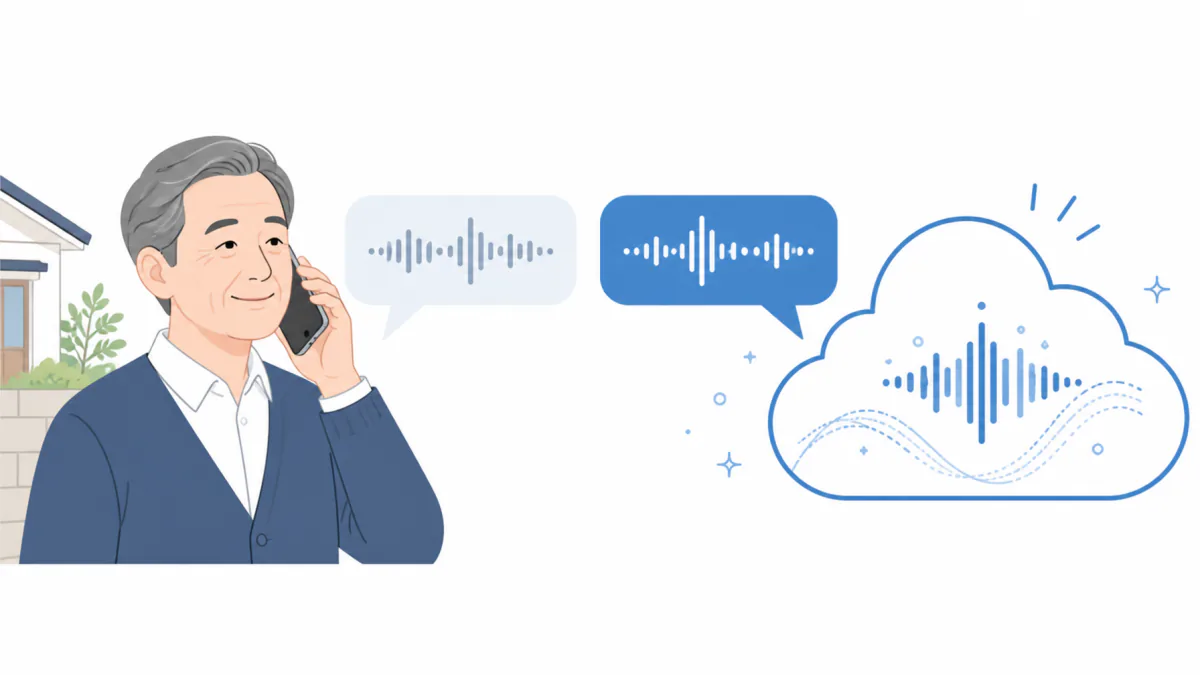
AI answers, introduces itself as part of your company, and finds out what the call is about.
Questions it can answer, it answers there and then. Who it speaks as, for what purpose and how far it may go are designed on screen as a business profile, and assigned per number or per line.
- Business profiles — a design document for the conversation: its purpose, the manner of speaking, what may and may not be said, and the voice to use.
- Different handling per number — the profile is chosen automatically from the number dialed, so one service can front several brands and several departments. The choice is made per call, so mixed traffic is handled correctly.
- An immediate, pre-prepared greeting — the greeting plays the instant the call connects, with none of the silence that leaves a caller saying "hello?". As well as writing the greeting, you can play a recording or generate speech from text (voice, 0.5× to 2× speed, and manner). Inbound and outbound are configured separately.
- Automatic FAQ answers — register the expected questions and answers per profile. AI searches them during the call and answers from what is registered. It does not invent an answer to a question that is not there.
- A natural conversation, properly closed — when the caller starts speaking, AI stops and listens (barge-in). Once the business is done it says a closing greeting and ends the call. It never simply goes silent, and never forgets to hang up and leave someone waiting.
- Several lines at once — several extensions are held at once and several calls handled in parallel, with a per-line cap on concurrent calls.
- No call goes unanswered.AI answers when the line is busy, when nobody is at their desk and outside business hours, so opportunities are not lost and callbacks are not forgotten.
- First-line handling costs no one any time.AI answers the common questions and establishes what the call is about, so people spend their time only on the calls that need judgement.
- The quality of the response is constant.The conversation follows the design document. There is no variation between people, and none when things get busy.
- Each number can have its own reception.Brand A's number is answered as Brand A's reception; the recruitment line as recruitment. One deployment, several faces.
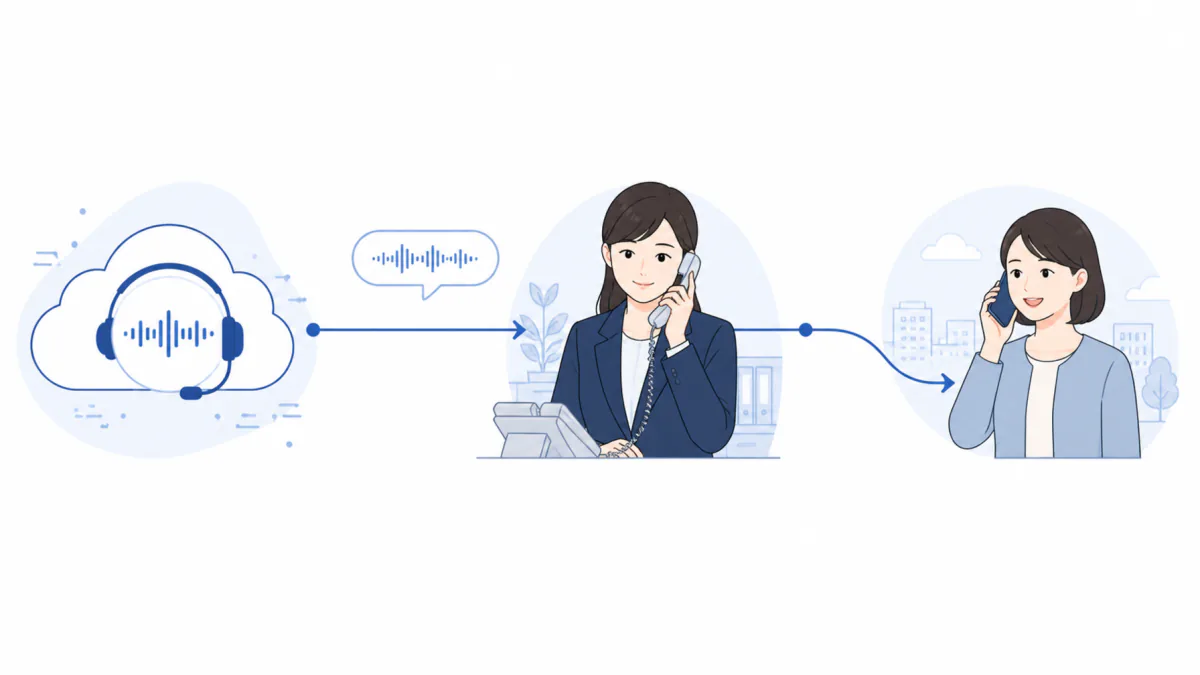
"Could I speak to Mr X, please?" — AI puts them through, like a switchboard operator.
A person's name, a job title ("could I speak to the president?") or the name of a desk are all accepted. AI asks what the call is about, rings the extension, tells only that person what it concerns, and then connects the caller.
- Ask who they wantBy name, job title or desk
- Establish the reasonIf a decline rule applies, it is politely turned away
- Ring the extensionRinging tone plays while the extension rings (5–120 seconds)
- Whisper the reasonThe reason and the number, spoken to that person only (whisper)
- ConnectThe caller and the colleague are joined directly, and AI leaves
- If nobody answersThe caller returns to AI with an apology, and an alternative desk can be offered
- Three transfer lists — names, job titles, and fixed destinations such as general reception, managed separately (up to 200 each).
- Linked to the extension directory — the company's extension directory can be included as it is, and updates to it flow through to transfers.
- Getting names right — phonetic readings can be registered for kanji names, and AI both speaks and listens using them (東海林 is read Shoji, for instance). Duplicate family names are flagged at registration.
- Decline rules — define whether to transfer and what to say, by type of enquiry such as sales calls (up to 50 rules). Keyword blocking can be used alongside, so even if AI is talked round, the transfer does not happen.
- Choice of transfer method — attended transfer (connect after the colleague answers) or blind transfer (connect immediately), set per profile. What happens when someone asks for a person not on the list is also configurable.
- Nobody has to sit by the phone.You can stop staffing a desk purely to pass calls on. Because the reason is whispered across with the transfer, whoever picks up starts on the substance straight away.
- Cold sales calls are turned away reliably.AI does the declining, so nobody's time goes on it, and the wording is consistent across the company.
- It only connects to people it is allowed to.Destinations are limited to the list an administrator registered. AI cannot invent a number and connect to it — the structure does not allow it.
- A call never gets lost because someone is out.If the person is out, an alternative desk is tried; if that is also out, AI takes the message and apologizes. Whichever path it takes, a record remains.
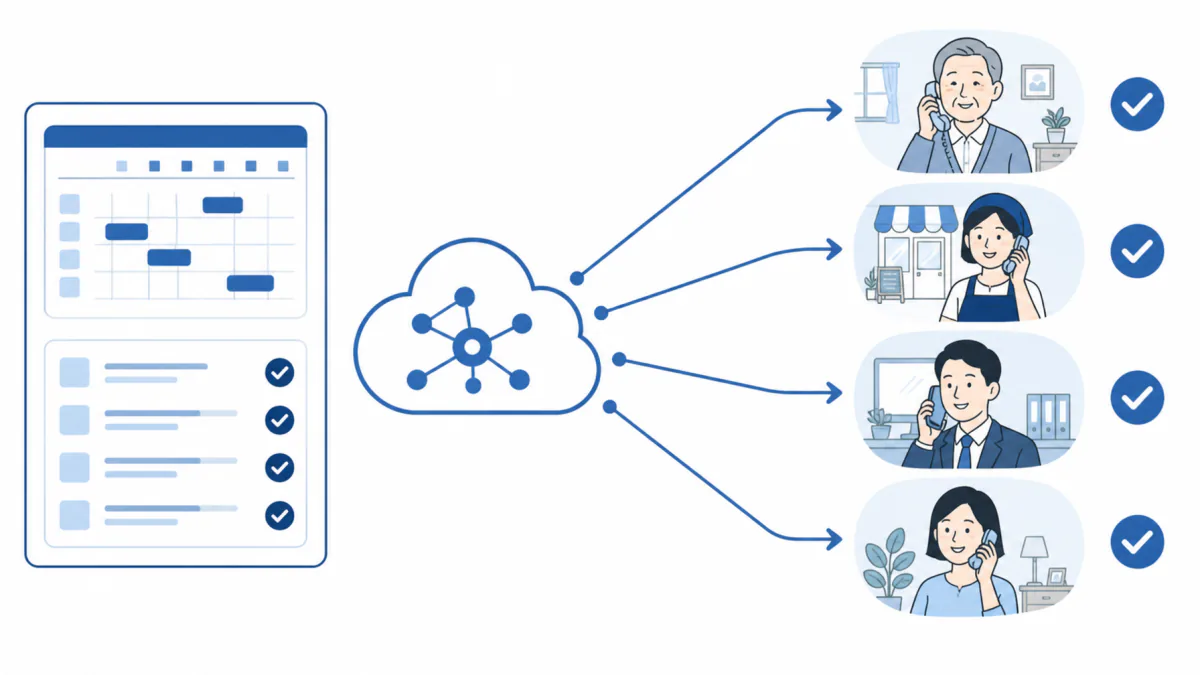
It does not only answer. AI makes the confirmation and notification calls too.
AI places calls using a profile written for outbound use. It waits until the call is answered before speaking, so nobody picks up to silence. The moment they answer, AI introduces itself.
- One call at a time — give it a destination and a profile and place the call from the console or through the API, including from your own business systems.
- Scheduled calls — three ways to schedule: daily at a given time (with a time zone), once at a given moment, or weekly on a given weekday and window. For regular notices and reminders.
- Campaigns (calling a list) — import a list from CSV (up to 500,000), set how many run at once (1–100) and work through it. Start, pause and stop from the console, with progress and results totaled in one view.
- Retries and automatic reporting — set how many retries and how far apart, and shift the window ("if the morning fails, try the afternoon"). Results are recorded on two levels: what AI reports (connected, no answer, busy, voicemail, objective achieved) and the call-level outcome.
- Do-not-call list (DNC) — registered numbers are never called. Matching absorbs hyphens and formatting differences, and is always checked immediately before dialing. Bulk registration (up to 100,000) supports obligations such as not re-soliciting.
- Calling windows, maximum duration and no double-dialing — a request outside the window does not fail; it is deferred to the next time the window opens. A second call with the same request key is never placed.
Traditional predictive dialers were bound to produce abandoned calls: they dial more than they can handle, and someone answers to nobody. Because Virtual AGEphone's AI can always take a call, it dials only as many as the concurrent capacity it holds — and abandons none.
- Routine outbound work stops needing people.Confirmations, notices and surveys — high in volume and routine in content — go to AI, and people handle only the results and the exceptions. Since repeated no-answers cost almost nothing, calls that are low in value but have to be made start to add up.
- Compliance and courtesy are enforced by the system.The do-not-call list and the calling windows are enforced by the system. No one can breach them by mistake.
- Nothing is left half-finished.Every result is recorded and totaled automatically, so people can concentrate on what comes next — the numbers that did not connect, for instance.
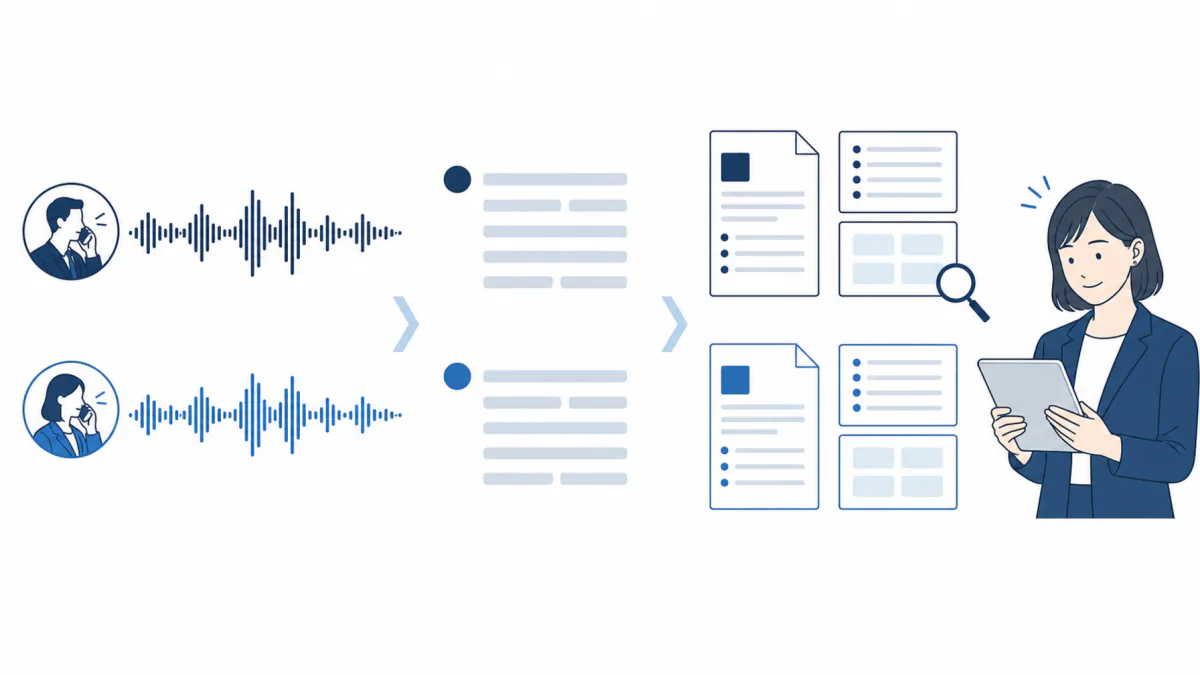
One call leaves one complete record.
Every call AI handles is stored with the recording, the transcript, the summary and the outcome joined together, and can be reviewed and searched later.
- Two-track recording — the caller and AI are recorded on separate tracks, so where a person's speech ends and AI's begins is always distinguishable in the audio itself.
- Recording is optional — recording is switched on or off per business profile (on by default). With it off, what AI said and what the call was about still appear in the history as text, and no audio is kept at all.
- Transcription — a transcript by speaker with timestamps. On screen the conversation appears as speech bubbles by speaker, so the call reads as a piece of text.
- AI summaries — title, short summary, detailed summary, classification, priority, tags, action items, key topics and the temperature of the conversation, all generated. Summaries can be corrected by hand, re-generated under different conditions, or turned into a single image (photographic, illustrated or a four-panel strip) to share.
- Custom vocabulary — register company names, product names and personal names to improve transcription accuracy. As well as a company-wide list, each user has their own (up to 200 terms).
- Call history — direction, date and time, duration, the profile used, the outcome and the summary, in one list. Outbound job results and call records are linked to each other and followed from one screen.
- Disputes about what was said end.The recording and the record are kept automatically, so a complaint or a question about the terms can be settled on the facts. Because the human and the AI speech are separated, verifying what was said is exact.
- No time spent listening back.An hour-long call is understood in tens of seconds from the summary and the action items, which is enough for a hand-over or a report upwards.
- It gives you something to improve on.The records show which enquiries come up most and where transfers happen. Add one question to the FAQ and AI answers differently the next day — the improvement cycle turns daily.
The failures that AI on the phone is prone to are anticipated and held down in advance.
Each of these controls was worked back from a failure seen in real operation, and all of them are included as standard.
- Preventing an opening mishap — to prevent the classic failure of AI reading out its own configuration the moment it answers, the greeting is produced once by a dedicated mechanism. The first thing a caller hears is always the greeting you designed.
- Watching for silence — if the caller says nothing for a while, AI checks once ("can you hear me?") and, if the silence continues, ends the call. The interval is adjustable.
- Not hanging up too early — a guard against AI mistaking a noise at the start of a call for the end of the conversation and hanging up.
- Not answering itself — while AI is speaking, false detection of the caller's audio is suppressed, which prevents the loop where AI reacts to its own voice through a speakerphone. Towards the end of an utterance, only a loud interruption gets through.
- Barge-in with restraint, and conversational pace — AI stops when interrupted, but exceptions during the greeting and the closing words keep the conversation from becoming odd. How the end of a turn is judged (by meaning or by volume) and how sensitively is set per profile.
- It does not answer a call it cannot place — where AI cannot tell which business profile should handle a call, it does not guess. Starting a call with the wrong company name or the wrong premise is structurally impossible.
- "The AI said something strange" and "it hung up on me" are the classic ways an AI phone deployment fails. These safeguards are configured to prevent both.Being able to hand it over with confidence is, we think, the single condition on which AI telephony sticks.
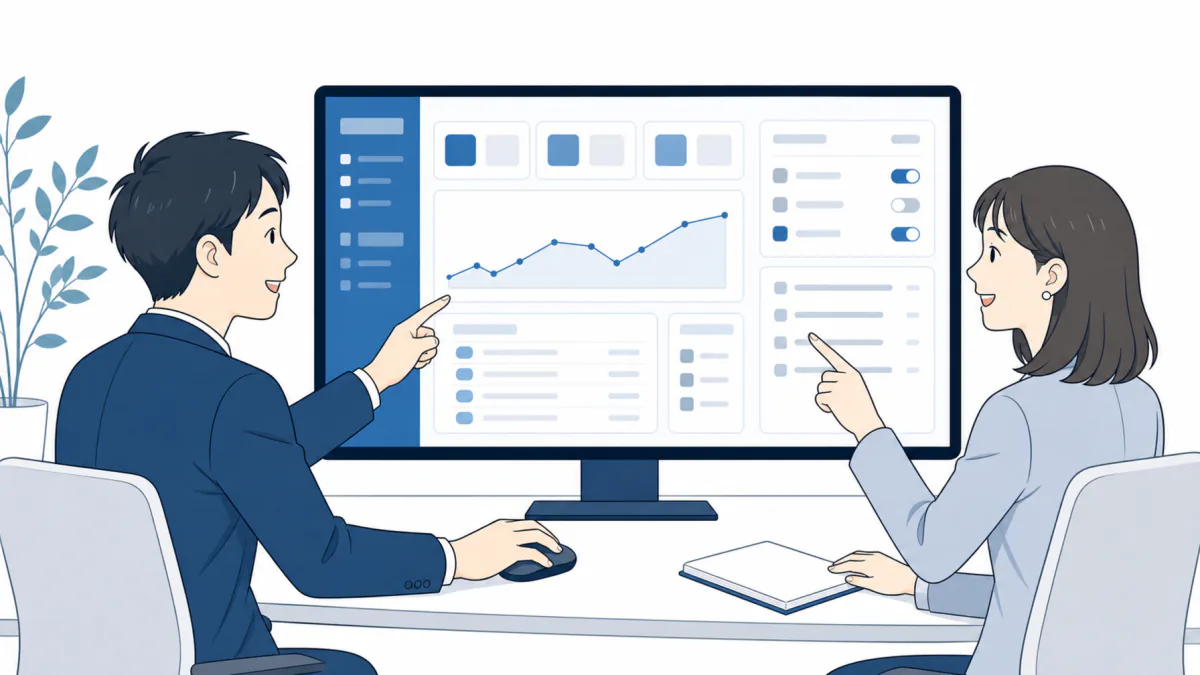
Configuration, monitoring and reviewing records all happen in a browser.
There is no work to commission and nothing to change on the handsets. The business side runs the day-to-day and IT handles the line and encryption settings, with permissions dividing the two safely.
- Editing business profiles — greetings, FAQs, transfer rules, voice and scope, edited on screen. Editing moves safely through draft → publish → apply, and each publication is kept as a version, so earlier ones can be looked back at.
- Unapplied changes made visible — if something is saved but not applied, a warning stays at the top of the screen. "I changed it but nothing happened" is prevented by the system.
- Line management — register and configure extension accounts (encryption, registration timers, NAT traversal, profile assignment, concurrent call limits). AGEphone configuration files can be imported, so nothing is lost in the move.
- Inbound routing and live monitoring — maintain the table that says which profile answers which number. See current calls and each line's registration state at a glance: whether it is properly attached to the phone network, and when it last succeeded. A line can be de-registered temporarily without deleting it.
- Outbound work, the extension directory and vocabulary — schedules, campaigns, the do-not-call list and the outbound history in one part of the console. The extension directory used for transfers and the vocabulary that sharpens transcription are maintained here too.
- Reading the SIP log — view and export protocol-level logs as a sequence diagram. Secrets are masked automatically, so the output can be handed to a carrier or used to isolate a fault as it is.
- A change to the conversation lands the same day.Replacing a greeting or adding an FAQ takes minutes on screen. There is nothing to order and nobody to wait for.
- No more thinking you changed something.Saving and applying are clearly separate, and anything saved but not applied keeps warning you.
- You do not have to be a telephony specialist.The business side runs the day-to-day and IT handles the technical settings, with permissions dividing the two safely.
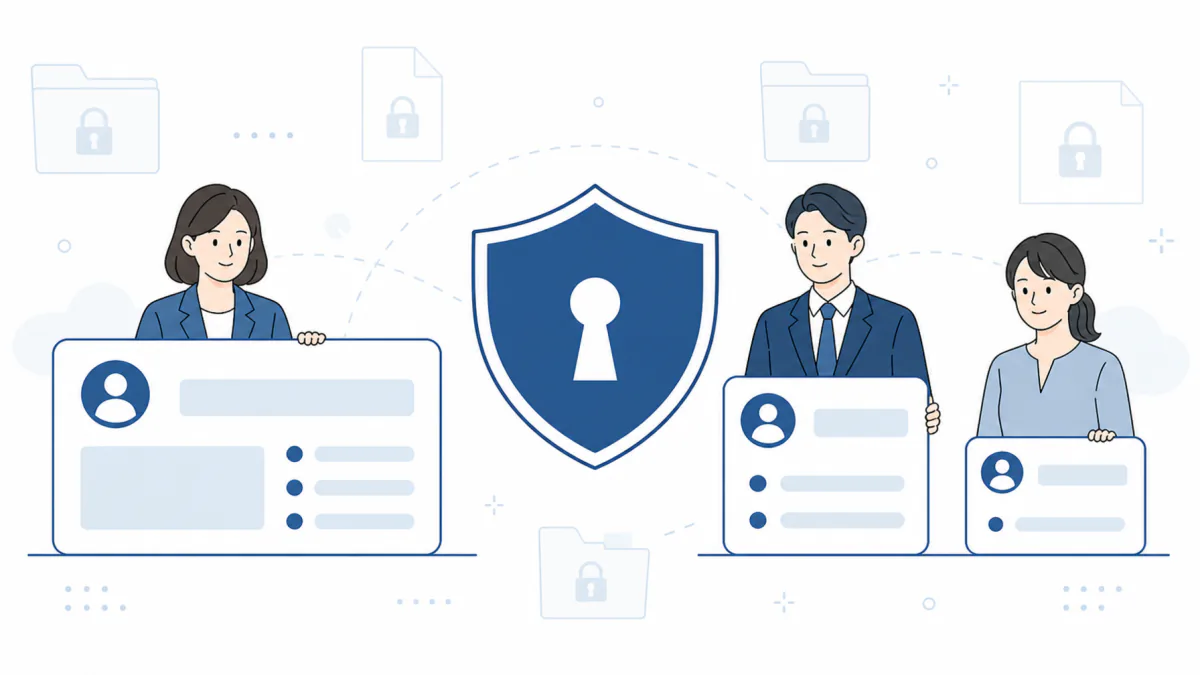
Calls and their records are sensitive company information, and this can be run to your IT department's standards.
Encryption in transit, separation of permissions and an audit log are all in place, which makes it straightforward to take through an internal security review.
- Call encryption — signaling over TLS and audio over SRTP, with client certificates (mTLS) available to prove where a connection comes from.
- Roles — eight roles separate who can do what in detail. The decision is made both in the interface and on the server, so it is not a restriction that exists only on screen.
- Safeguards on permissions — you cannot change your own role (which prevents locking yourself out), and an administrator cannot grant a role above their own (which blocks privilege escalation). A role change takes effect from the next action.
- An audit log of actions — who changed what and when. Configuration changes, applications and role changes can all be traced afterwards.
- Single sign-on (SSO) — SSO over OpenID Connect, with Google Workspace supported out of the box. Domains can be restricted, and accounts can optionally be created on first sign-in.
- Protecting secrets — line passwords, certificates and other secrets are write-only: once registered they are never displayed again, which closes off leakage through the interface.
- It can be run to your IT department's standards.Encryption in transit, separation of permissions and an audit log are all in place, which makes it straightforward to take through an internal security review.
- Authoring and publishing can be different people.The business side designs the conversation and an administrator approves publication and application. Two walls stand between an unintended setting and a live call.
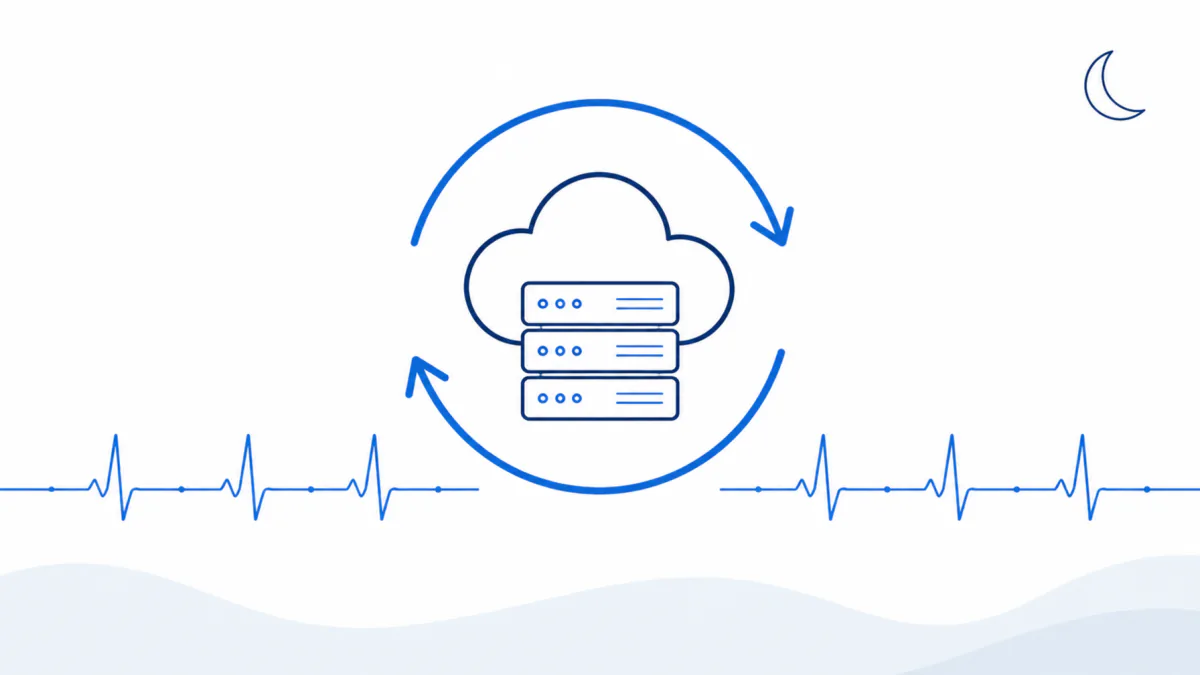
A phone system must not stop. Assuming things will break, automatic recovery sits at the center of the design.
A brief network outage or a PBX restart does not require anyone to attend; the lines recover on their own.
- Automatic re-registration — after a brief outage or a PBX restart, lines re-register and recover by themselves. Retries back off as they go, so the phone network is not loaded.
- Lines are independent of each other — registration state, retries and concurrent capacity are managed per line, so a fault on one line or one call does not spread to the others.
- Continuous health monitoring — registration state, last success time and calls in progress are snapshotted every second across all lines, and the monitor checks continuously that things are alive. When they are not, the process restarts automatically.
- Making the state visible — the live screen lists the registration state of every line, so a partial fault — the system up but one line unregistered — is not missed.
- Minimizing the time when calls do not connect.Detection and recovery are both automatic, so nobody has to come in at night to restart something.
Hand it over, and keep hold of the reins.
The design exists for that.
When you hand the phone to AI, what matters is less how clever the AI is than whether people keep hold of the controls. The state of the lines and the calls is there in the console, and a call beyond the agreed scope goes to a person. Every conversation is recorded, searchable afterwards, and feeds back into improvement —this design is what makes handing it to AI and keeping hold of the reins the same thing.
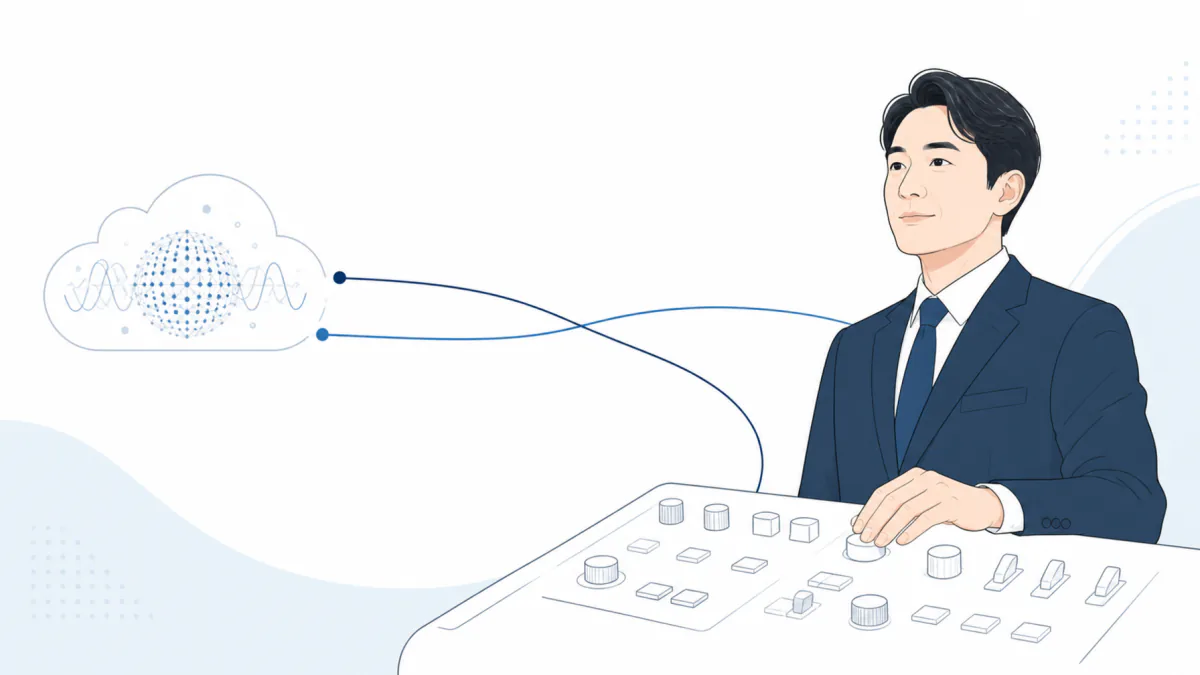
How AI handled the call is never a black box
Every call is recorded and can be reviewed later with its summary. The live screen shows calls in progress and the state of the lines as they are.
It cannot go outside the boundary
What AI may discuss, who it may transfer to, who it may call and when are all bounded by the lists and settings an administrator sets. A request outside them is declined or passed to a person.
Human speech and AI speech stay distinguishable throughout
Recordings keep the human voice and the AI voice apart. Where one ends and the other begins is clear in the audio and in the record.
The tools available to AI are governed the same way. The core actions — FAQ lookup, ending a call, transferring and reporting the outcome — belong to the system, anda profile cannot hijack them by defining a fake function of the same name。
One line, one number.
Live in four steps.
Provide one extension on your PBX or cloud PBX, design the conversation, tune it with test calls, and enable routing for the number. That is all. Everything after that happens in the console.
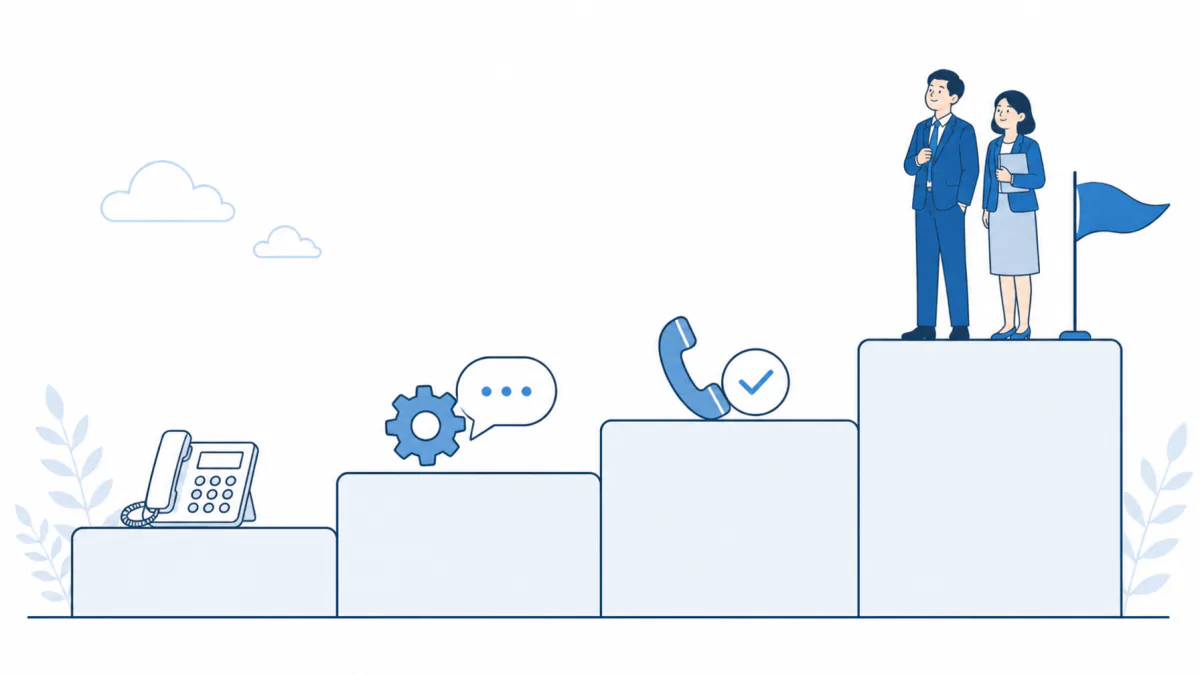
Prepare the line
Provide an extension for Virtual AGEphone on your PBX or cloud PBX. If you already use AGEphone, its configuration file can be imported and reused.
Design the conversation
Set the greeting, the FAQs and the transfer rules in a business profile. The extension directory and the vocabulary are registered at this stage too.
Test calls
Place real calls, listen to how it responds, and tune the manner, the sensitivity and the rules.
Go live
Enable routing for the number and start taking calls. Everything after that happens in the console.
Rolling out in stages
Virtual AGEphone starts with one line and one number. At every stage the effect is visible in the call history and the summaries. How many calls were taken, what they were about and how many were transferred are all there in figures and records, so there is never a shortage of evidence for deciding whether to go further.
Start by giving AI only the out-of-hours and weekend calls. Business hours carry on as before, so the effect can be seen without risk.
START HEREMove first-line answering on the main number to AI, with FAQ answers and transfers. This is the period in which the FAQ is grown from the records.
Automate routine outbound calls such as appointment confirmations as campaigns. With inbound and outbound both covered, the whole of the phone work is on record.
A SIP-capable PBX and a browser
are all you need to start.
These are the requirements and prerequisites. If AGEphone has connected to the server before, it will generally connect as it is. The commercial terms are advised separately.
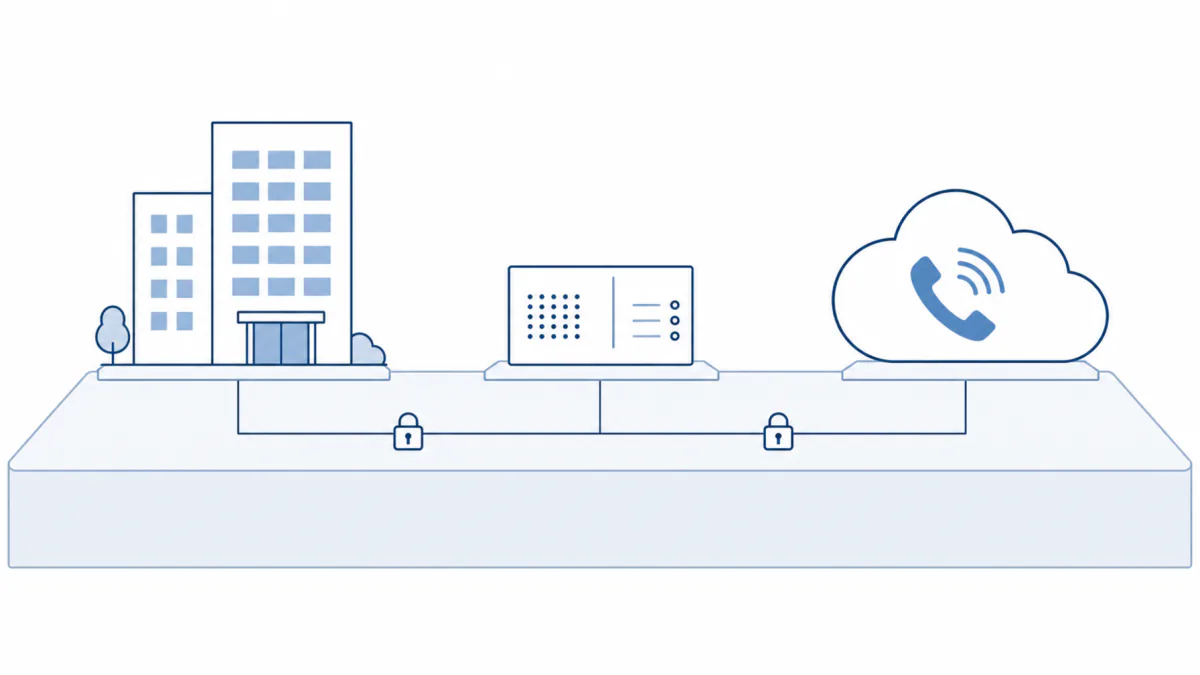
- The phone system it attaches to
- A SIP-capable PBX or cloud PBX that can carry Virtual AGEphone as an extension. If AGEphone has connected to it before, it will generally connect as it is.
- Encryption
- TLS, client certificates (mTLS) and SRTP are supported, as is the high-quality Opus codec.
- Multiple lines and concurrent calls
- Several extension accounts can be carried and several calls handled at once, with a per-line cap on concurrent calls.
- AI voice conversation
- The voice conversation with AI uses an external AI service. How call content is handled — notice and consent for recording, retention periods and so on — is configured and explained at deployment, in line with your policy.
- Recording and record-keeping
- Whether to record is chosen per profile. Where you do record, set the notice and consent practice according to your legal policy for the territory and the use case.
- Your environment
- The console runs in a web browser.
Frequently asked questions
Q.Could AI give the wrong information?
What AI may answer is limited to the business profile and the registered FAQs. Outside that it does not invent an answer: it takes a message or transfers the call. And because every call is recorded, anything that gives you pause can be checked immediately, the FAQ or the rule corrected, and the behavior changed by the next day.
Q.Do we have to change our numbers or our phone equipment?
No. Virtual AGEphone adds a single extension to your PBX or cloud PBX, and your existing numbers, handsets and configuration carry on unchanged.
Q.Can a person take over part-way through?
Yes. If the caller asks for someone, or the enquiry goes beyond what AI may handle, AI transfers to that person's extension. The reason is passed across verbally, so the caller does not have to repeat themselves.
Q.There are calls we would rather not record.
Recording is chosen per business profile. With it off, what AI said and what the call was about are still kept as text, so the history is not blank — and no audio is stored at all.
Q.Can we roll it out gradually?
Yes. It starts with one line and one number, and AI answering is switched on or off per number. Out-of-hours answering alone is the easiest place to begin (see Rolling out in stages).
Q.How does this differ from AGEphone?
AGEphone is a softphone for people to talk on; Virtual AGEphone is a cloud service for AI to talk on. They live in the same phone system and are meant to be used together, each doing its part.
Q.Where is the content of a call processed?
The voice conversation uses an external AI service. Traffic is encrypted, and storing and viewing recordings and records happen only through the permission-controlled console. We explain the data handling in detail at deployment.
Glossary
- PBX / cloud PBX
- The exchange that manages a company's outside lines and extensions together. A cloud PBX provides the same function as a service in the cloud.
- Extension / SIP
- An extension is one phone carried by the PBX. SIP is the standard protocol used to attach it, and Virtual AGEphone joins the PBX as a SIP extension.
- DID (the number dialed)
- The number the caller dialed. Virtual AGEphone looks at it to decide which profile answers.
- Business profiles
- The design document that sets out who AI speaks as, for what purpose and how far it may go. Inbound and outbound profiles are written separately.
- FAQ collections
- The set of expected questions and answers assigned to a profile. AI answers from what is registered here.
- Attended / blind transfer
- An attended transfer waits for the colleague to answer and tells them what it is about before connecting. A blind transfer connects immediately, without checking.
- Whisper
- The announcement during an attended transfer that tells only the colleague what the call is about, inaudible to the caller.
- DNC (do-not-call list)
- Do Not Call. The list of numbers that must not be dialed, always checked immediately before a call is placed.
- Two-track recording
- Recording that stores the caller and AI on separate audio tracks, so who said what can be told apart exactly afterwards.
- TLS / SRTP / mTLS
- The encryption used for signaling (TLS) and audio (SRTP). mTLS is mutual authentication in which a client certificate proves where the connection comes from.
- SSO (single sign-on)
- Signing in to the console with an account from your own identity provider, which avoids reusing passwords.
- Apply
- The action that puts a saved setting into live use. Separating saving from applying keeps unintended settings off live calls.
For a conversation or a demonstration, just ask.
For a conversation or a demonstration of Virtual AGEphone, please get in touch with ageet Corporation. Tell us about your PBX and how your lines are arranged and we can tell you on the spot whether it will attach as it is.
Start with a conversation
"We would like to try out-of-hours answering", "we want AI on first-line for the main number", "we want to automate our confirmation calls" — tell us what you have in mind and what your phone system looks like. We will demonstrate on a real line and propose a staged rollout.
Contact us or request a demonstration →Offer it as a partner
For providers of PBX, cloud PBX and line services, and for systems integrators: this is a service you can propose by adding one extension to a customer's existing phone system. We are happy to discuss reselling and interoperability testing.
About the Partner Program (Japanese) →Please mention Virtual AGEphone in the contact form and a member of the team will be in touch directly.
This page reflects the position as of August 2026. Features and commercial terms may change without notice.