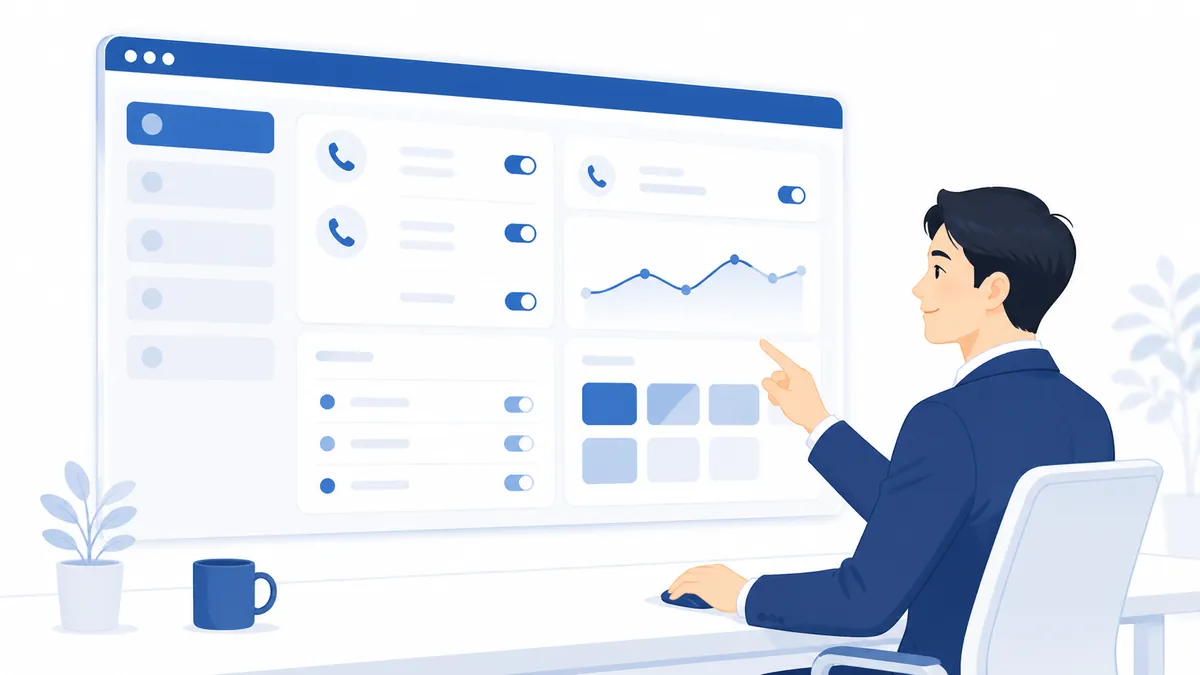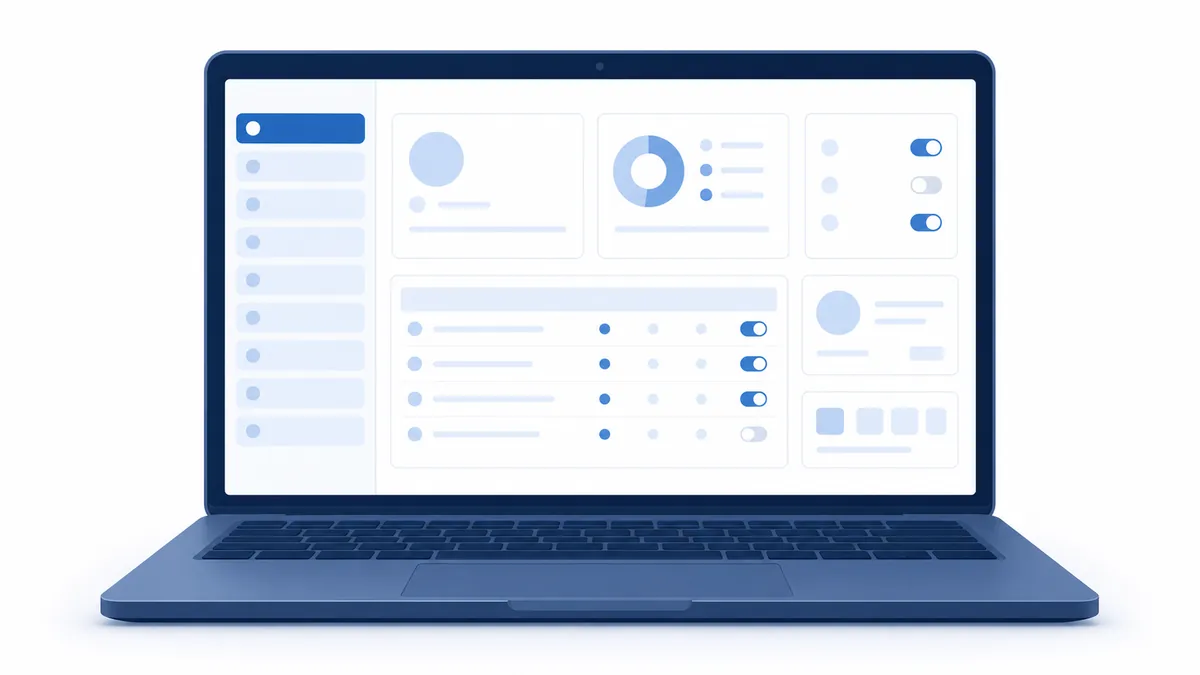

- Customer records — company details, industry, size, tags (up to 50), contacts and notes in one place, with map coordinates derived from the address. A live ledger, joined to calls, documents and activity.
- Product master — product codes, unit prices, tax categories and product groups. Discontinuing a product does not break references from past documents. It is what AI checks extracted items against, so the more you register the more accurate AI becomes.
- Contracts and monthly forecast vs. actual — issue invoices and delivery notes from a contract, turning the monthly billing round into one click. Monthly plan and actual make the revenue outlook visible.
- CSV import and export — customers, products and the phonebook all support CSV. The character encoding is detected automatically, and export → edit in Excel → re-import works fine.
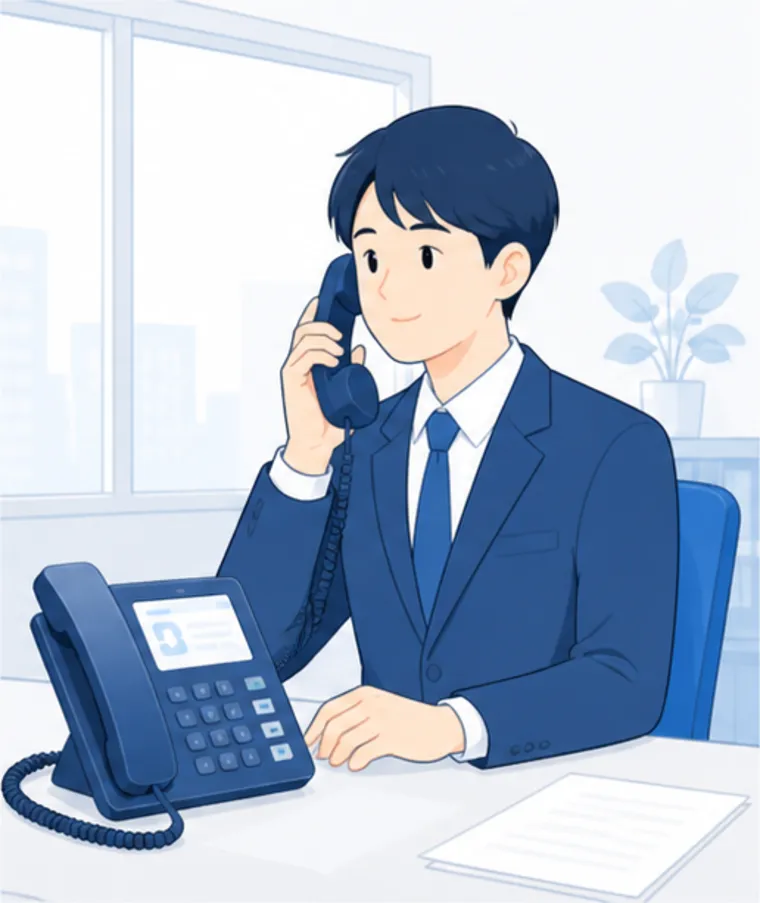
From a phone that only makes and takes callsto one that records, summarizes and answers.
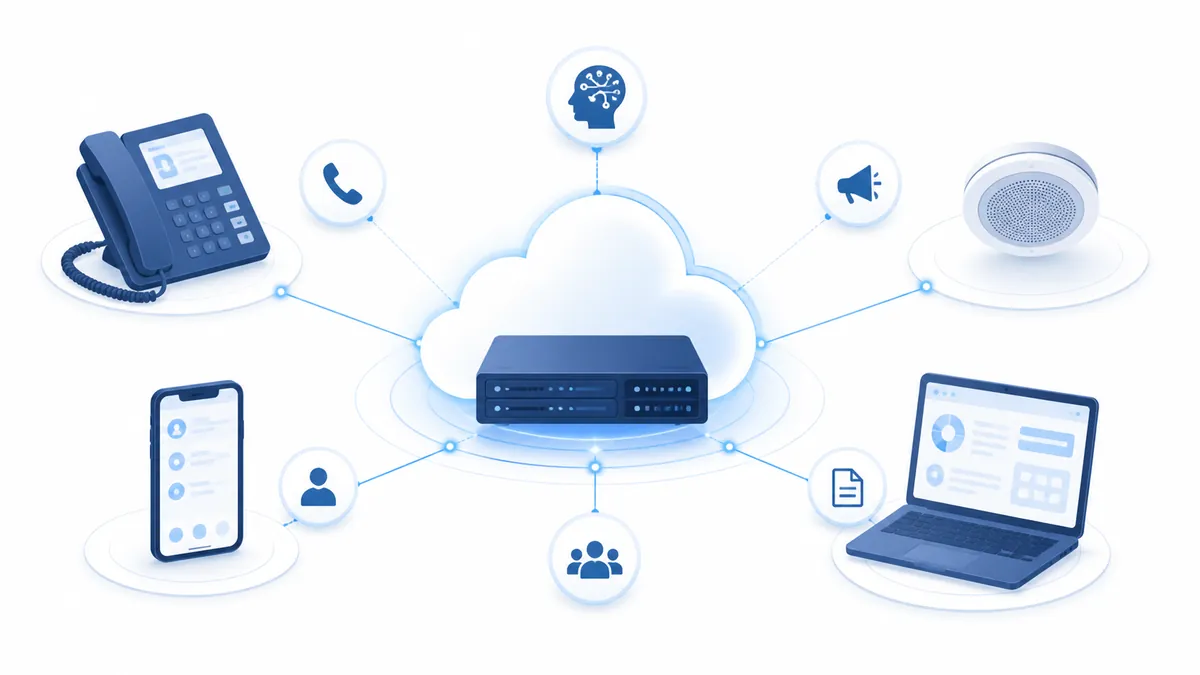
AGEphone Cowork is built to sit behind the PBX you already use — cloud PBX, Japanese business phone system or IP-PBX. It stands alongside that PBX over standard SIP so you can add AI on your calls, customer management (CRM), business documents, site-wide broadcast, push-to-talk and smartphone extensions after the fact. There is no need to move your phone service. Cloud operation is the standard, and call recordings and customer data can stay under your own control.
Keep the phone system you have,
and add only what is missing.
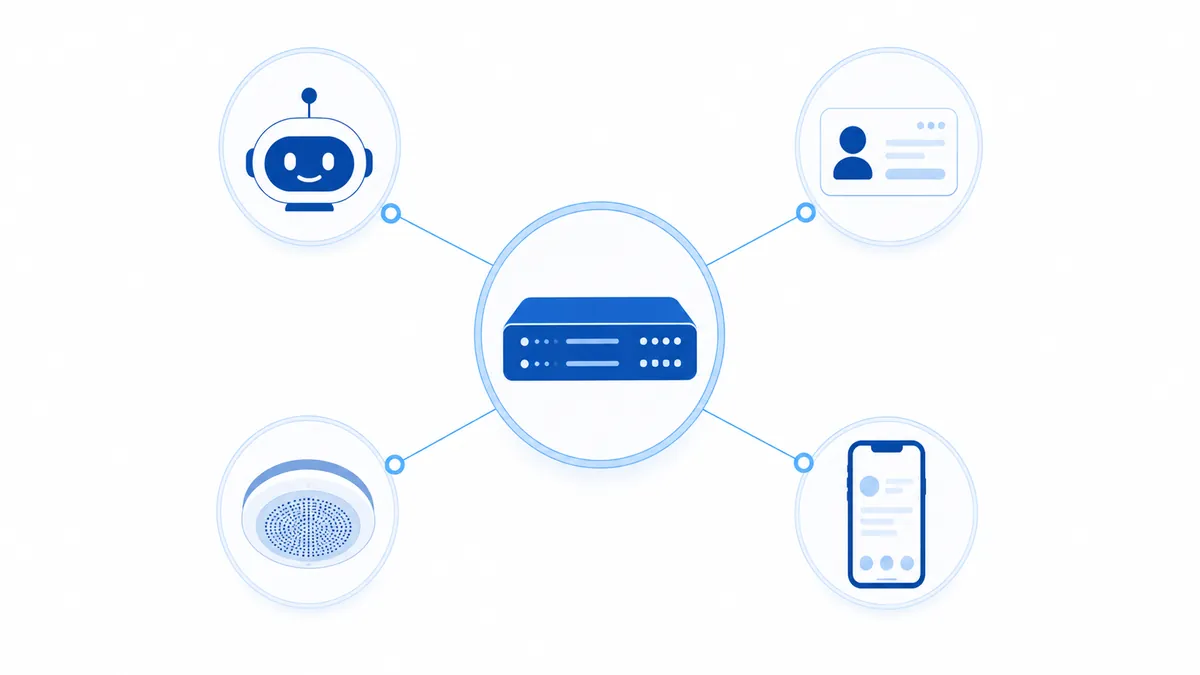
AI, CTI integration, CRM, a document system, PA equipment, two-way radio, smartphone extensions. What used to be contracted and maintained separately comes together in one AGEphone Cowork placed behind your existing PBX. The outside lines and extensions that PBX carries stay where they are, and everything from build to day-to-day operation happens in a Japanese-language web console.
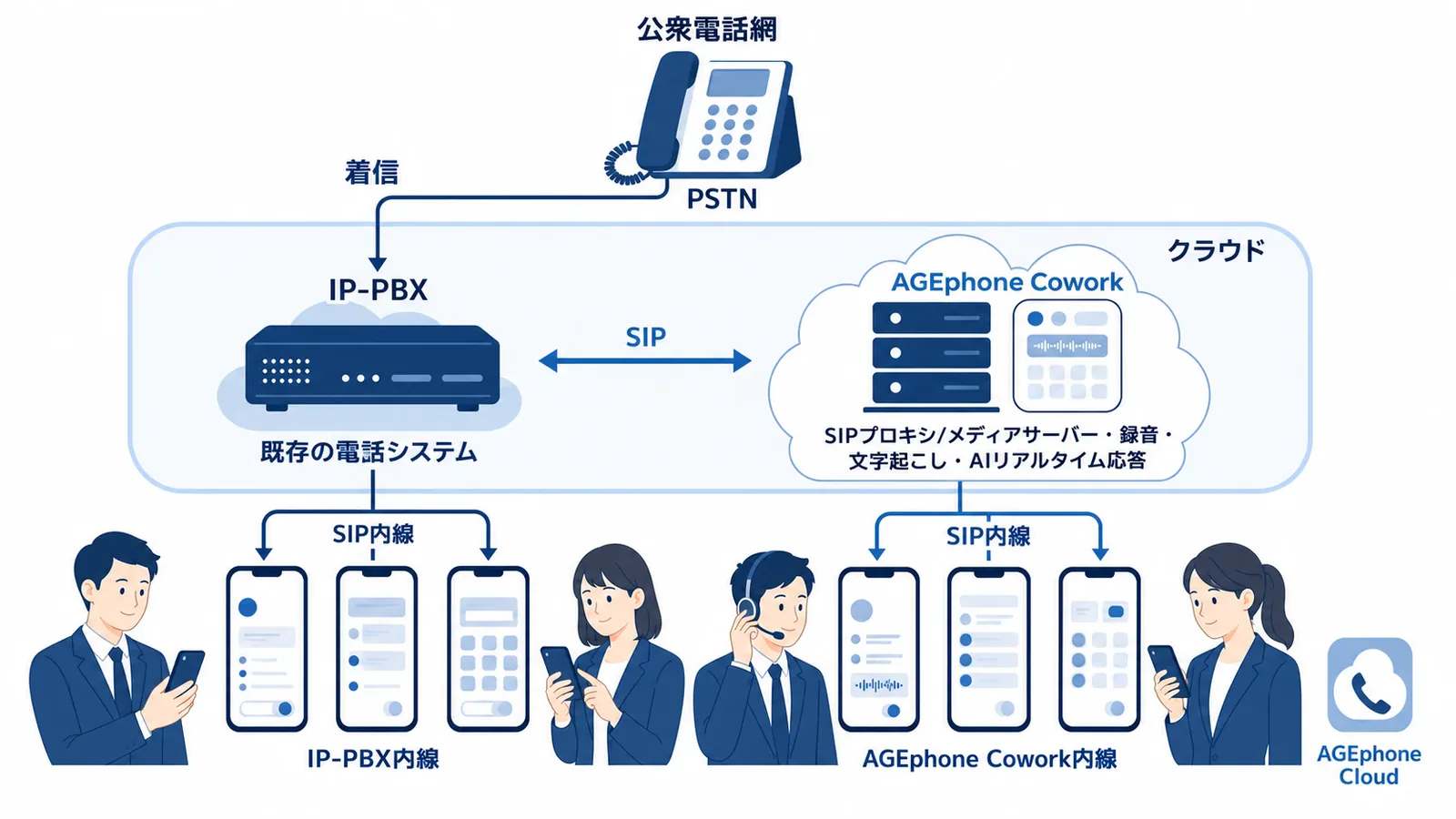
An architecture that stands beside your PBX over SIP.
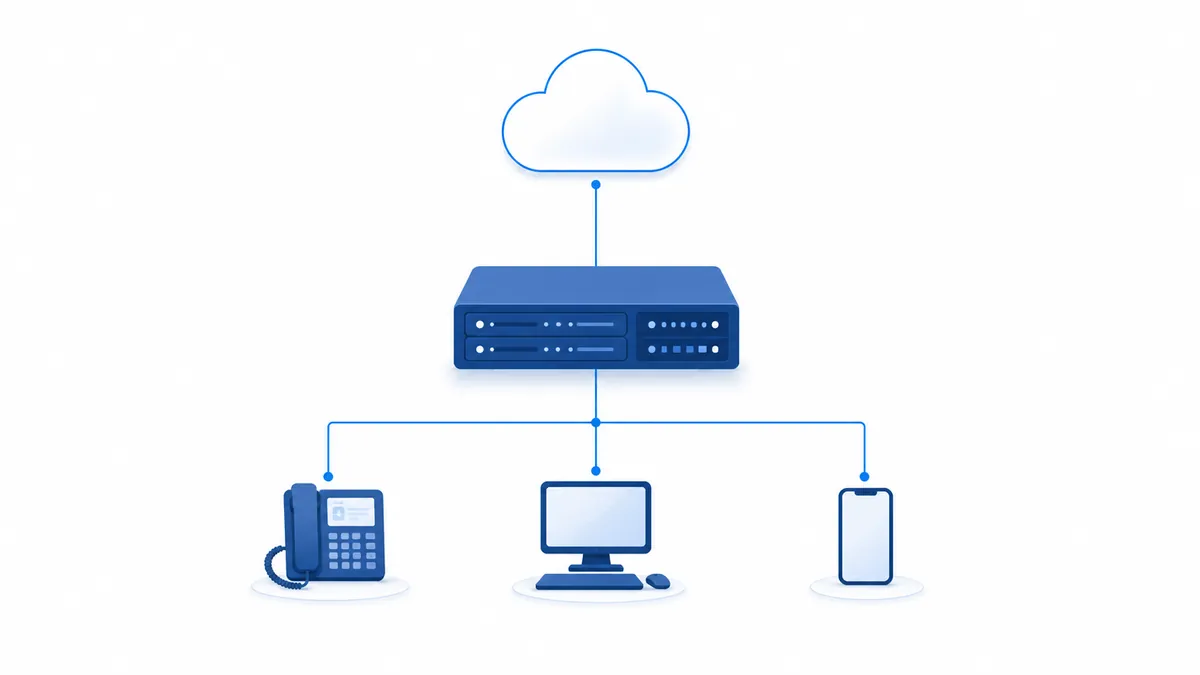
AGEphone Cowork does not replace your PBX. It stands behind the PBX you use today — cloud PBX, Japanese business phone system or IP-PBX — over standard SIP, and takes on recording, transcription and real-time AI responses (including Help Mode). Your PBX and AGEphone Cowork each carry their own extensions and coexist as one phone system.

Calls from the public telephone network still arrive at your existing PBX. There is no need to replace the phone contract, the numbers or the equipment.
The extensions and desk phones under your PBX and the smartphone extensions under AGEphone Cowork join over SIP into a single extension network.
AGEphone Cowork acts as a SIP proxy and media server, handling recording, transcription and AI responses. Your PBX's call control is left untouched.
Where we stand: ageet Corporation is not a provider of PBX services — that is, of phone service itself. AGEphone Cowork is software that strengthens a PBX or cloud PBX you have already deployed. We do not compete with PBX providers; we work with them as a value-added layer for AI, CRM, documents and broadcast, including on an OEM basis.
AGEphone Cowork、Four things that set it apart。
A conventional PBX is equipment for connecting calls and nothing more. AGEphone Cowork puts the content of those calls to work as business data, and brings the equipment and the work around the phone together in one place.
Alongside recording, automatic transcription, AI summaries and sentiment analysis, the accumulated call content generates daily, weekly and monthly reports. Products mentioned in a conversation are recognized and turned into draft quotations and order confirmations. AI can answer calls on its own, and can support an agent in real time when a call becomes difficult (customer-harassment protection).
The moment a call arrives, one screen shows the caller's company, the contact, the history of previous conversations and what they currently have under contract. Deals, contracts, tasks and monthly forecast-versus-actual are all managed here, and document issuing compliant with Japan's qualified invoice system is built in. All-site broadcast from extension handsets and push-to-talk on smartphones fit on the same system.
Working with AGEphone Cloud, ageet's smartphone extension service, iPhones and Android phones become company extension handsets. Zero-touch setup generates the app configuration as soon as the user signs in, and push notifications deliver calls even when the app is not running.
Recordings, transcripts, customer information and documents are all stored on a server you control. Because nothing is handed to an outside operator, the architecture suits organizations with strict information policies. There are no configuration files to hand-edit: saving from the screen generates the configuration and applies it immediately.
Does any of this
sound familiar?
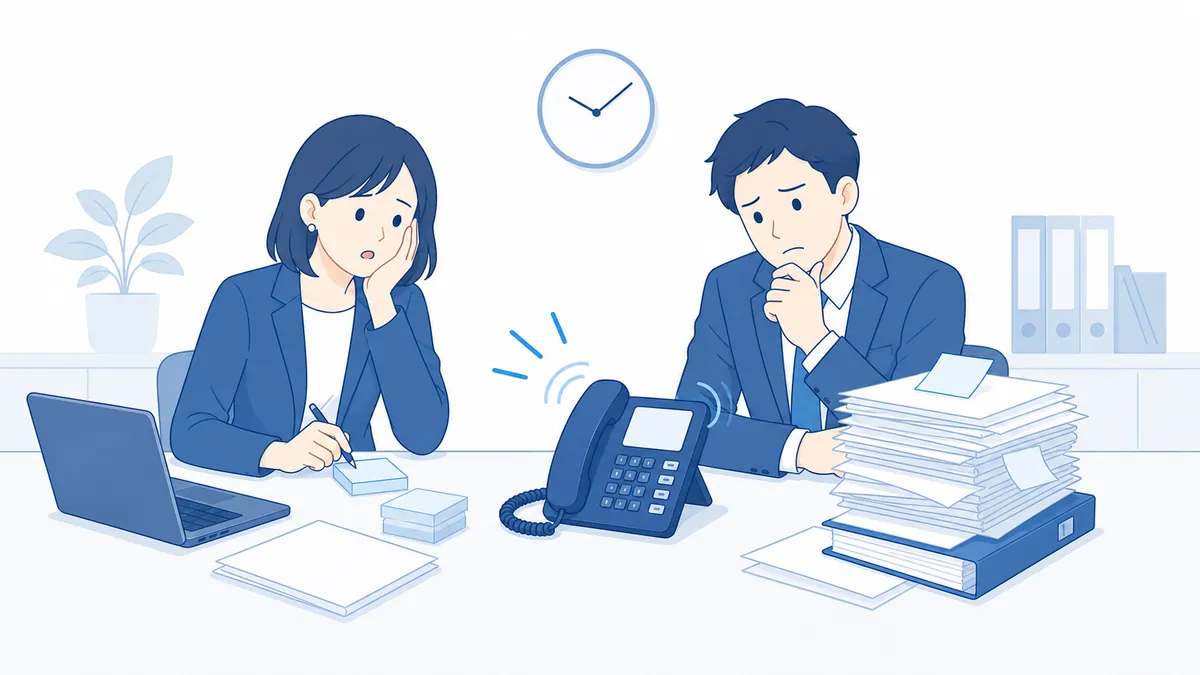
- What was said on the phone leaves no record, leading to disputes and to things being missed at hand-over
- Daily, weekly and monthly reports take a great deal of time to write, every time
- Quotes and orders taken by phone are typed up into documents by hand afterwards
- Calls are answered without knowing who is on the other end
- Answering the main number and dealing with sales calls takes people away from their work
- Unreasonable complaint calls weigh heavily on the people who take them
- Separate equipment is maintained for announcements, chimes and radios, apart from the phones
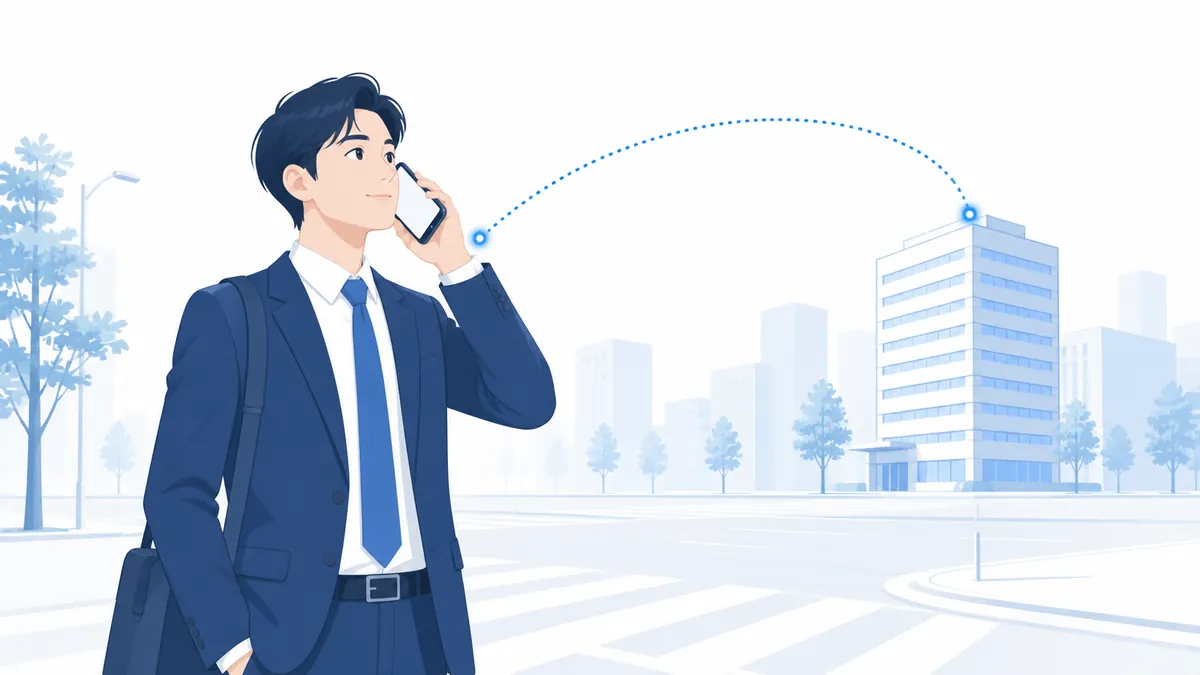
- Calls to the company number cannot be passed to staff working remotely or out of the office
Turn "replacing the phone system" into
an investment in operations and governance.
Here is what AGEphone Cowork changes, seen from the executive and planning side. This is not simply a phone equipment refresh: it acts on six areas — reporting, documents, answering, equipment, information governance and protecting staff.
AI writes the daily, weekly and monthly reports from calls and activity records. A quote request or an order taken on the phone is already a draft quotation or order confirmation by the time the call ends. People stop writing and simply review and approve.
AI answers calls in real time and handles the first response — answering FAQs, transferring by name or job title, and politely turning away sales calls. Fewer calls are missed outside business hours or at busy times, and fewer people are tied to the phone.
PBX, CTI integration, CRM, documents, PA equipment, two-way radio and smartphone extensions come together in one system. There is less contracted and maintained separately, and the people responsible can actually keep track of what is where.
Recordings, transcripts and customer information stay on a server you manage. Role-based permissions, recording retention policies, audit logs, SSO/SAML and TLS/SRTP encryption are all included. There is no risk of a provider discontinuing the service: the system and the data remain in your hands.
When a call becomes difficult, a button on the phone brings in AI advice that only the agent can hear. If the caller is genuinely impossible, AI takes over without dropping the call and the agent steps away. Who may invoke it, and every time it is used, is recorded in the audit log.
A Japanese-language web console, configuration that is generated and applied immediately, and a self-service screen (My Extension) where users change their own settings. That takes the pressure off IT, and a published web API opens the door to further integration work.
Calls become an asset.
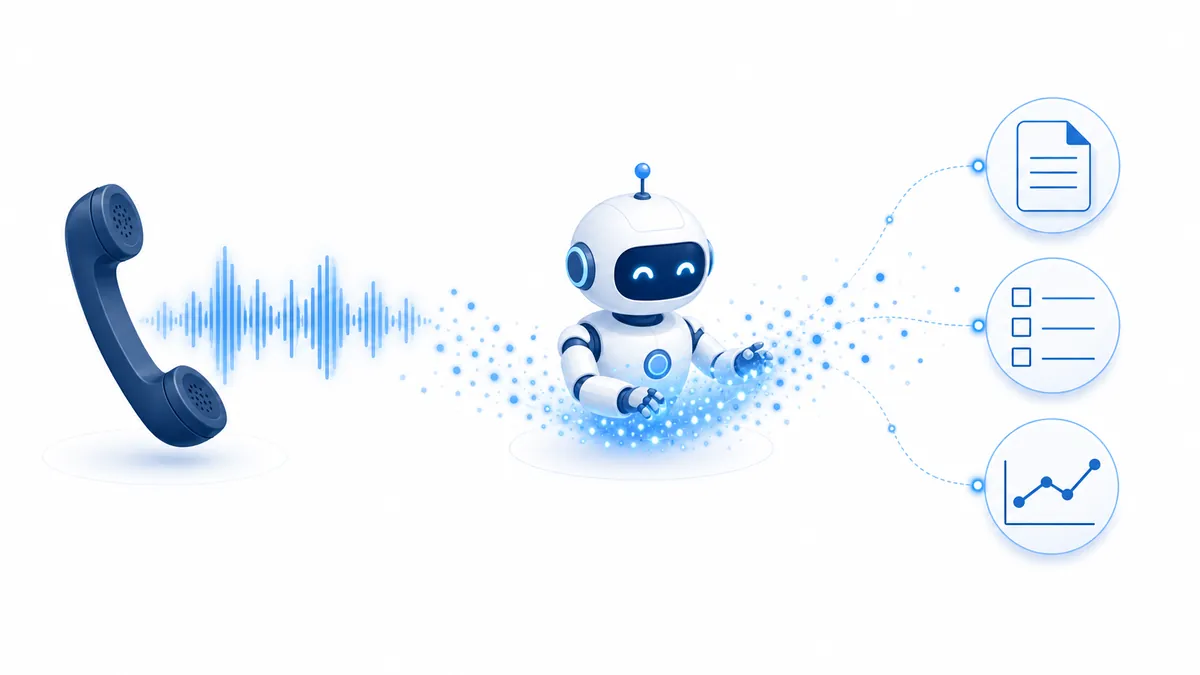
A conventional PBX is equipment for connecting calls and nothing more. AGEphone Cowork uses AI to put the content of a call to work as business data. When the call ends, a transcript and a summary appear without anyone doing anything, and flow on into reports, documents and hand-overs.
Text is produced automatically when the call ends, showing the full transcript with speakers marked.
Title, short summary, detailed summary, tags, category, priority and key topics are all generated.
Things to do — call back, send the documents — are pulled out of the call automatically.
Sentiment is analyzed on three axes: the call overall, the caller and the answerer.
An image is generated from the content of the call and shown in the history list.
Register your product names and technical terms to improve recognition (several switchable slots).
Voicemail messages are transcribed and summarized automatically.
Conference room calls handle multiple speakers and are transcribed with participant names.
A finished transcript is announced automatically to Slack, email or ClickUp.
Summary images — a call history you can scan by eye
AI generates an image representing each call from its content and shows it in the call history. You can find the call you want at a glance, without reading through the text.
Daily, weekly and monthly reports, generated for you
AI writes business reports from the accumulated calls and activity records. Daily, weekly (starting Monday) and monthly are all supported, for the whole company or for a single customer.
Reports whose numbers hold up.The system does the arithmetic exactly and AI only writes the prose. By design, no AI guesswork finds its way into the figures an executive reads.
Documents created from a call (quotations and order confirmations)
AI turns a quote request or an order taken by phone into a draft document. "The quote is already drafted by the time you hang up" is possible precisely because the phone system and the document system are the same system.
Everything generated stops at draft. Nothing is formally issued until a person commits it.Line items the model is unsure about are marked for checking and routed to a person, which structurally prevents a document being issued wrongly on AI's say-so.
+AI Agent (AI call answering) — AI takes the switchboard
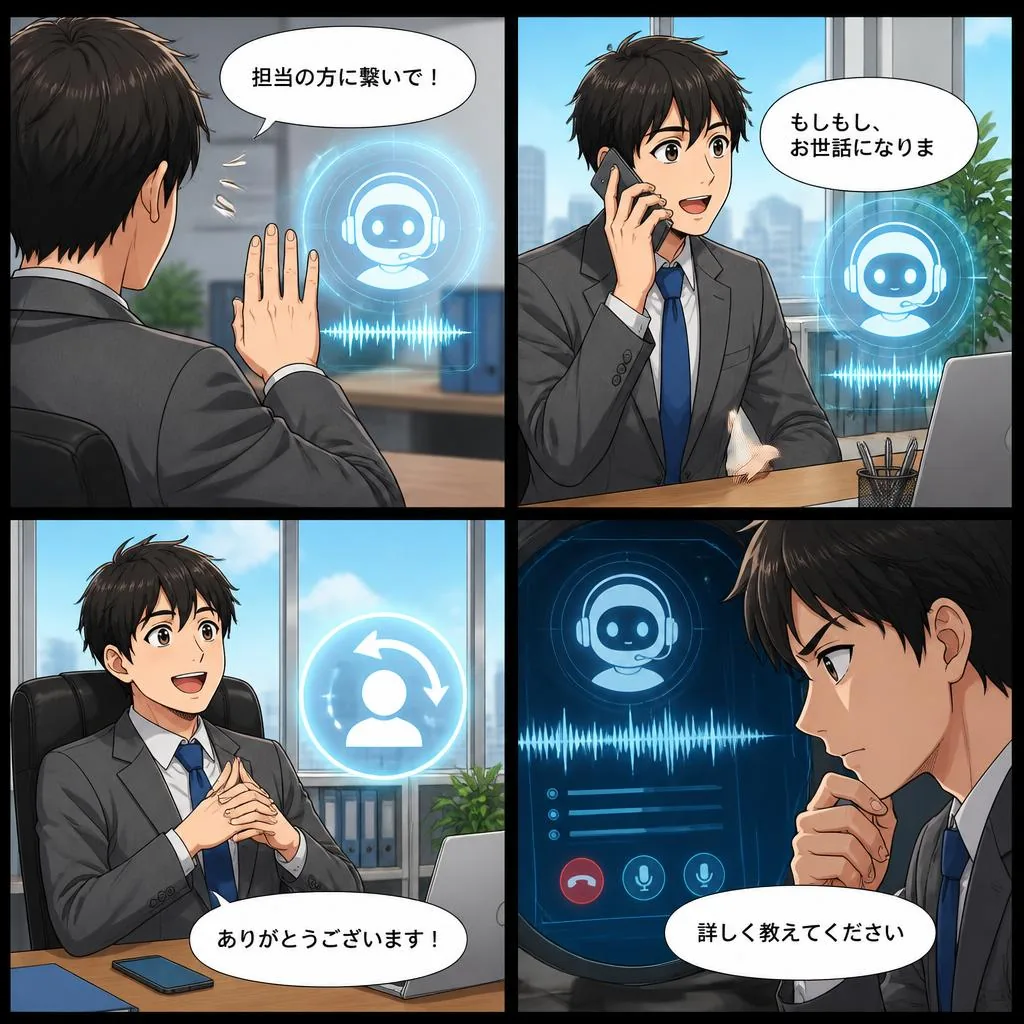
AI answers calls in real time and handles the first response in natural conversation. Fewer calls are missed out of hours or at busy times, and fewer people are tied to the phone.
You can decide whether AI asks what the call is about before transferring or puts it straight through, which makes it usable as an AI switchboard operator. Changes take effect immediately, without stopping the system.
Help Mode (customer-harassment protection) — real-time AI support during a call
When a call becomes difficult, the agent can call in AI support with a button on the phone. As a measure against customer harassment, nobody is left to face it alone.
Protecting staff from customer harassment became an employer obligation under the amended Labor Measures Comprehensive Promotion Act. For the commencement date and the detailed requirements, see Government Public Relations Online (Japanese).
"Acknowledge it once — 'I am sorry for the inconvenience' — then set out what you are able to do."
The service codes shown are examples. The caller never hears the AI's advice. Who may invoke it can be restricted by role, and every invocation, hand-over and call is written to the audit log.
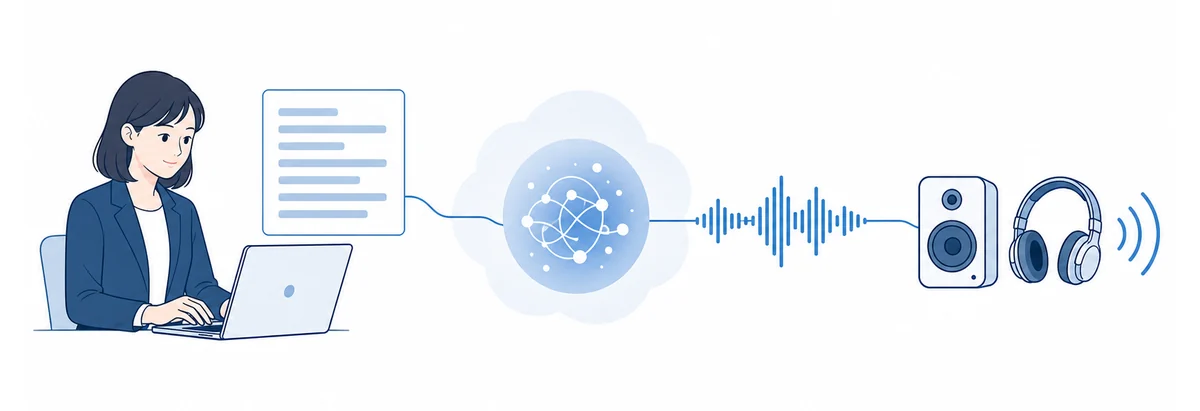
AI speech synthesis (TTS) — type the script and the audio is made
Customers, deals and documents joined to the phone.
Because the phone system and customer management are one and the same, there is no separate CTI integration to build. Everything from the moment a call arrives to the order and the invoice happens in one system.
- Previous call
- 3 days ago, 12 min / 😊 positive / "quote by next week"
- Under contract
- Maintenance and support (annual), 20 licenses
- Recent activity
- Visit (last week) / 2 emails / 3 calls
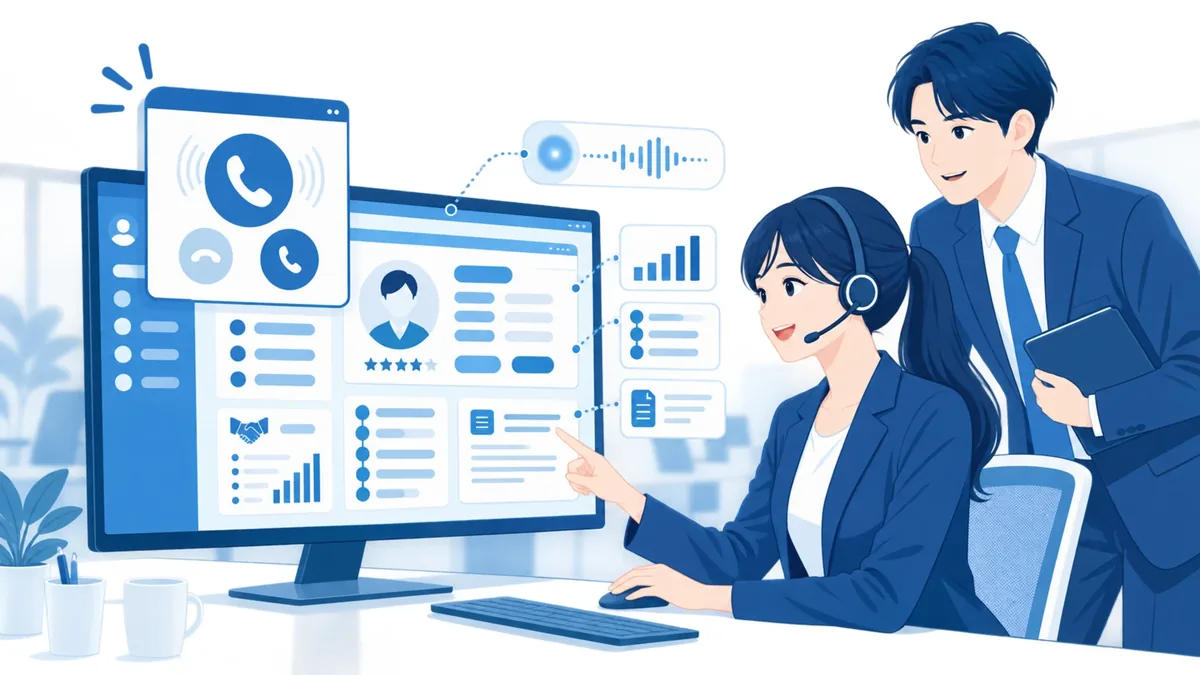
The moment the phone rings,
you know who it is.
When a call arrives, the number is used to pull the following together onto one screen. Whoever picks up can respond as though they had always handled the account.
The pop-up shown here is an illustration.
- Activity history — visits, calls, emails and web meetings recorded in order. One click turns a call in the history into an activity. Who said what and when builds up per customer.
- Deal management — managed through qualifying → proposal → negotiation → won or lost. Record the expected value and close date, and the nearest deadlines come first, so the pipeline is always in view.
- Tasks and reminders — when something falls due, a reminder arrives two ways: a push notification on the phone and an email. Saying you will call and then forgetting stops being possible.
- Five ways to issue — a quotation from a deal; an invoice or delivery note from a contract; from an activity; using the previous document as a template; or by hand. AI drafting from a call is supported too.
- Document numbers assigned automatically — built from type, customer code, year and sequence, so the number alone tells you who and when. No gaps appear in the sequence.
- Qualified invoice system — the registration number is printed, and the breakdown by rate (10%, reduced 8%, exempt, out of scope, zero-rated and free rate) is supported.
- Built to stand up to an audit — your own details as at the date of issue (name, address, logo, seal and bank details) are burned into the stored document. Paid and canceled documents cannot be edited. The document ledger exports as CSV or TSV.
A shared phonebook with three levels of visibility: company-wide, shared and personal. Bulk import from CSV and vCard with a progress display, name lookup on incoming calls across every device including the mobile app, a change history for each contact, and bulk hand-over of a leaver's contacts — the administration an organization actually needs.
Your phone network becomes
the PA system and the radio network.
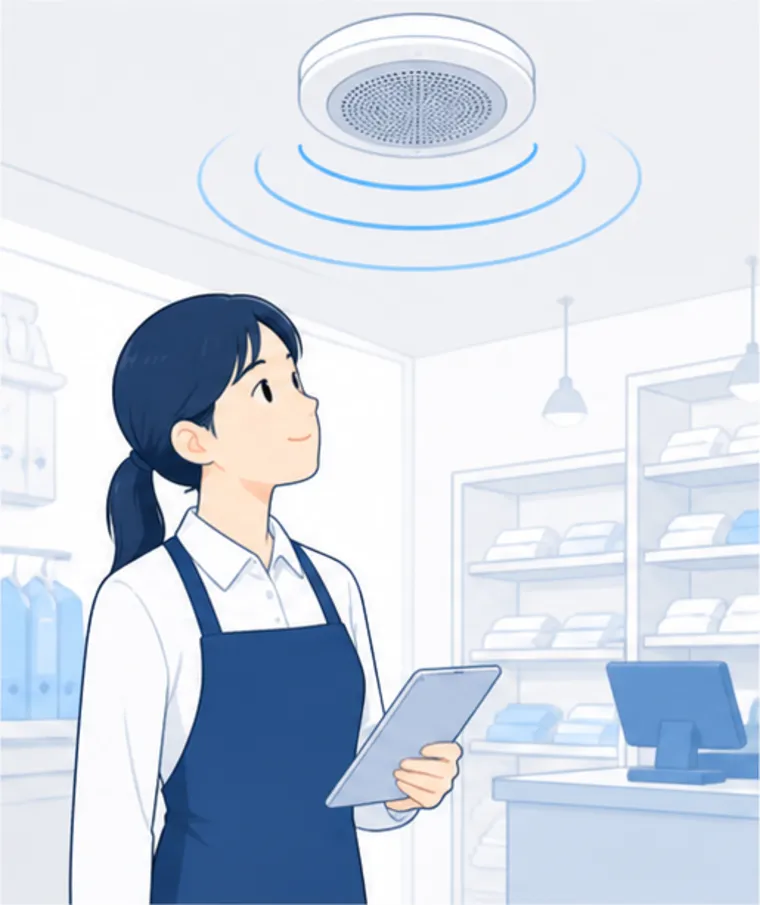
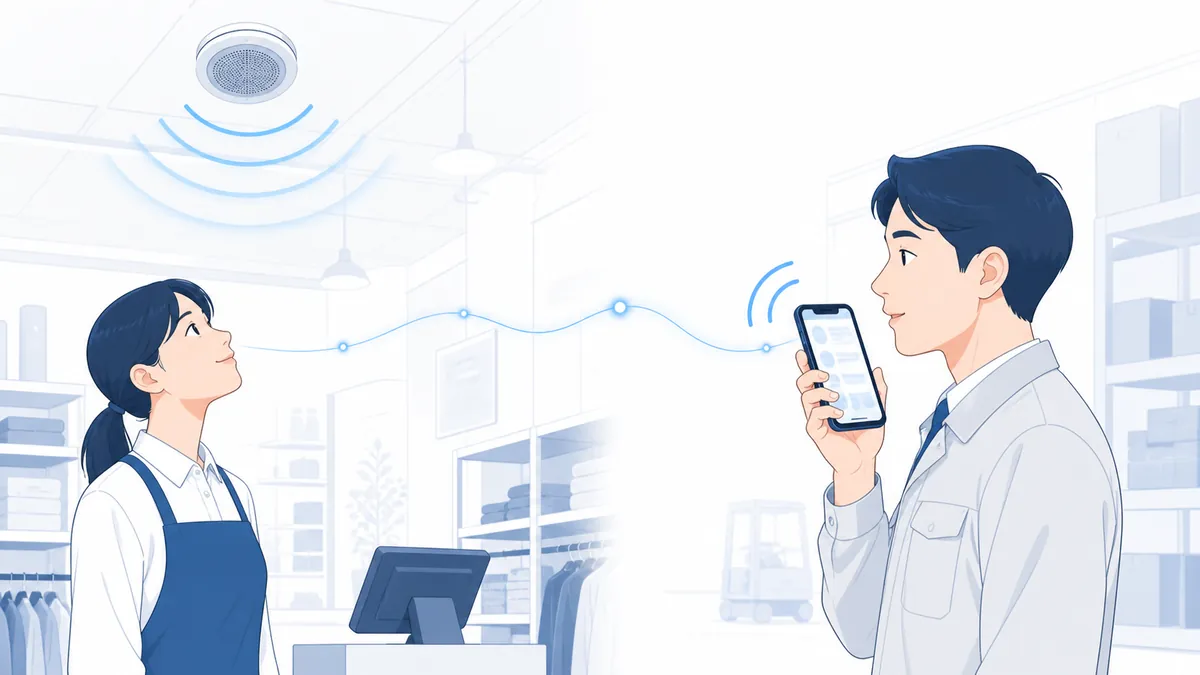
This is a set of features particular to AGEphone Cowork, not found on a typical PBX or cloud PBX. Broadcast and push-to-talk run on extension handsets and smartphones, with no separate PA equipment or radios to buy. It matters most in places that use both — stores, factories, schools and the public sector.
Broadcast is designed so that audio plays only once someone has answered the call.If nobody is there, nothing plays and it is logged as no answer, so the system never keeps announcing into an empty room. Broadcast calls are excluded from the call history and statistics, so they do not pollute the reports.
- Live voice announcements — dial the broadcast number and your voice comes out of the speaker on every handset in the group. Announcements and paging work with the phones you already have.
- Playing an audio file — pick a stored recording and press broadcast. Nobody has to be at a handset.
- Opening and closing chimes — a chime plays before and after the announcement, giving the familiar sequence people expect.
- Repeated announcements — repeat a set number of times (up to 20) or for a set period, controlled by whole cycles so the announcement is never cut off part-way. For evacuation guidance and repeated calls.
- Seeing how it landed — see in real time who is receiving and who did not answer, and stop part-way if you need to.
- PTT channels — each channel number is an always-connected radio space. Hold the button to talk, exactly as on a radio. No radio hardware to buy.
- Controlling who speaks — one person at a time, with an optional limit on how long. See on screen who is present and who is talking. Nobody talks over anybody.
- Outside parties can join — mobiles in the field and partner companies can be brought onto a channel, with entry restricted by PIN and caller ID. It earns its keep in disaster response, construction and event operations.
- Automatic transcription of transmissions — transmissions are recorded and stored as text with speakers marked (switchable per channel). Instructions and reports that would vanish over the air become a searchable record.
- Phones and PCs — join from iPhone and Android (the AGEphone app) or from a PC browser. Signing in configures everything.
- Auto-dialing from text — give it a number and a script and it dials, playing AI-generated speech. Phone trees, works notices and reminders with nobody dialing.
- Scheduled calls — daily, weekly (by weekday) or monthly (by date, nth weekday or last day), managed on a calendar. "The regular call at 17:00 on the last Friday of the month" runs itself.
- Audio library — generated and recorded audio lives in a shared library. The same script is never generated twice, and broadcast uses the same files.
- Dialing from Slack — type "/dial number message" in Slack and the call goes out, with signature verification and an allow list. An urgent message goes out in one line, without signing in to the console.
It has its own SIP platform, too.
AGEphone Cowork carries extensions of its own on a SIP platform. Behind an existing PBX, this console manages the extensions under it along with history, recordings, security and maintenance; at a site with no PBX at all, it runs on its own. Everything happens in a Japanese-language console, subject to role-based permissions.
How the console is laid out
The console is in Japanese, and the menus shown depend on the user's role. It runs in a current web browser (Chrome, Edge, Safari and so on), with nothing to install.
A smartphone becomes a company extension, as it is.
Working with AGEphone Cloud, ageet's smartphone extension service, iPhones and Android phones become company extension handsets exactly as they are.
Not replacing, but adding.
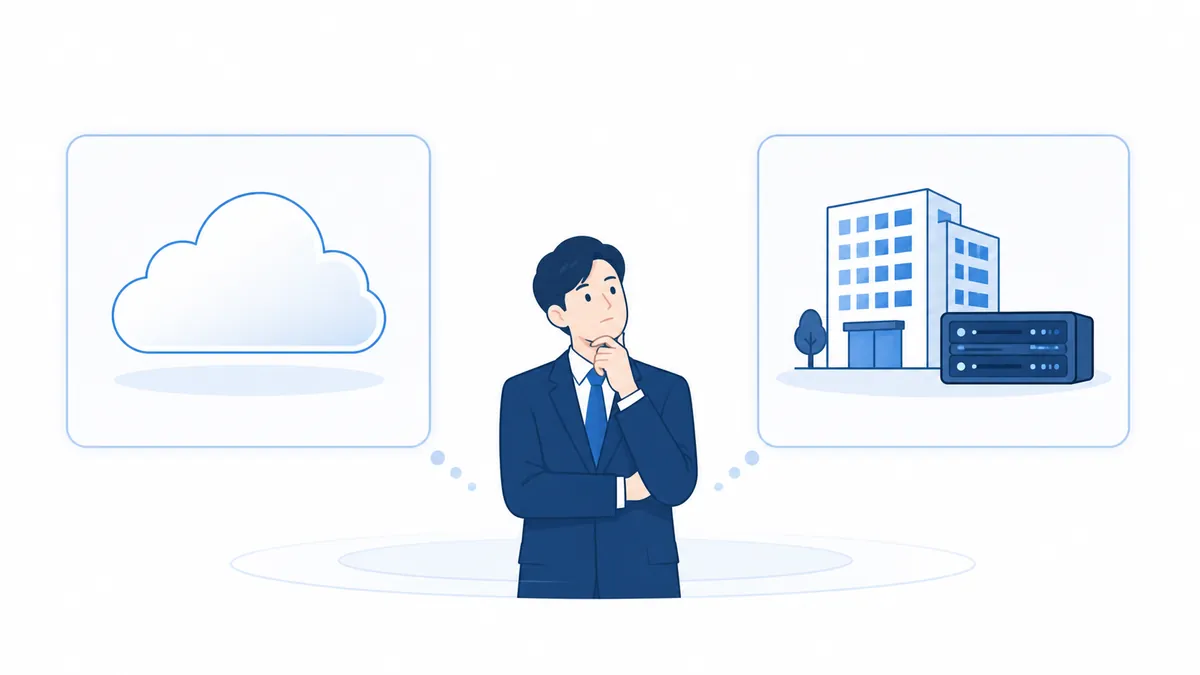
There are two ways to deal with problems around the phone system: replace the PBX itself, or keep it and add AGEphone Cowork behind it. Here is how the two differ. AGEphone Cowork was built for the second.
| Item | Replacing the PBX | Keeping the PBX and adding Cowork |
|---|---|---|
| Your current phone service | Assumes cancellation and migration, with number portability and carrier terms to sort out | Continues unchanged. Outside lines, numbers and carrier contracts stay with the existing PBX. |
| Existing handsets and extensions | May involve checking compatibility or replacing handsets | Existing extensions stay put. Extensions under Cowork are added over SIP into one network. |
| Risk at rollout | Needs a company-wide migration plan so the phones do not go down on cut-over day | Goes in alongside a PBX that keeps running, and spreads department by department or site by site |
| AI | Limited to what the new provider offers | Transcription, summaries, sentiment analysis, daily/weekly/monthly reports, automatic document creation, AI answering, and AI support against customer harassment |
| Customer management | Usually assumes integration with an external CRM | CRM is built in — incoming-call pop-up, activity history, deals, contracts, monthly forecast vs. actual, and invoice-compliant documents, all in one |
| Broadcast and radio | Usually out of scope; separate PA equipment and radios are needed | All-site broadcast, chimes, repeated announcements, push-to-talk and scheduled announcements, built in |
| Where recordings and data live | Call history and recordings usually sit with the provider | Held on a server you manage (data sovereignty) |
| Customization | Within what the provider offers | Call control rules are editable in the GUI, and a published API allows further integration |
| Where it runs | The provider's cloud only | Cloud (VPS) by default, with on-premises installation where requirements call for it |
| Visibility when something breaks | Mostly waiting for the provider to say something | Dashboard, live log and health monitoring let you check and isolate problems around AI and recording yourself |
This comparison summarizes how such services are generally shaped; it does not refer to any particular service or provider. AGEphone Cowork does not compete with PBX services — it is software for adding capability to a PBX service you already have.
What it looks like(Illustrative examples)。
The following illustrate what a deployment can achieve. They are not accounts of particular customers.

When an order or a request for a quote comes in by phone, AI transcribes and summarizes it once the call ends, checks the products mentioned against the product master, and raises a draft order confirmation or quotation. The salesperson reviews it, commits it, and a PDF is issued. By the evening the day's calls and activity have become a daily report, and the weekly and monthly ones are a single button. Because the caller's company, the history and what they hold under contract appear as the call arrives, whoever picks up can respond as though they had always handled the account.

The pre-opening announcement runs on a schedule, paging goes out as an all-site broadcast with a chime, and floor staff coordinate over push-to-talk on their phones. Three separate systems — PA, two-way radio and telephony — come down to the extension network and a smartphone. Transmissions are kept as text with speakers marked, so a misheard instruction can be checked afterwards.

Mobiles on site and partner companies join a PIN-protected push-to-talk channel, with the control position deciding who may speak. An urgent message goes out as an automated call from a single line in Slack, and an evacuation announcement repeats until it has landed. Every transmission and call is recorded and can be reviewed later.
A day with AGEphone Cowork
Architecture and system requirements.
The SIP engine and the management system (a web application) are installed on a single server. Cloud (VPS) operation is the standard, and the link to your existing PBX is standard SIP. The console is reachable over HTTPS from anywhere.
| Server OS | Ubuntu Server 24.04 LTS |
|---|---|
| Where it is installed | A cloud VPS (AWS Lightsail and similar) by default; on an in-house server where your information policy requires it |
| Console | A current web browser (Chrome, Edge, Safari and so on). Nothing to install. |
| Supported devices | SIP handsets and softphones (TLS/SRTP recommended), WebRTC clients, and smartphones via AGEphone Cloud |
| Link to your PBX | Standard SIP (the Behind PBX arrangement). Direct SIP trunk termination is also supported, including several at once. |
| External integrations | Slack / email notifications / ClickUp / SSO (SAML) / published web APIs |
For IT departments:TLS for SIP signaling and SRTP for audio are supported as standard, along with role-based permissions (administrator, owner, manager, general user), VPN connections and IP access policies, SSO/SAML, backup and restore of the whole configuration, and health monitoring alerts.
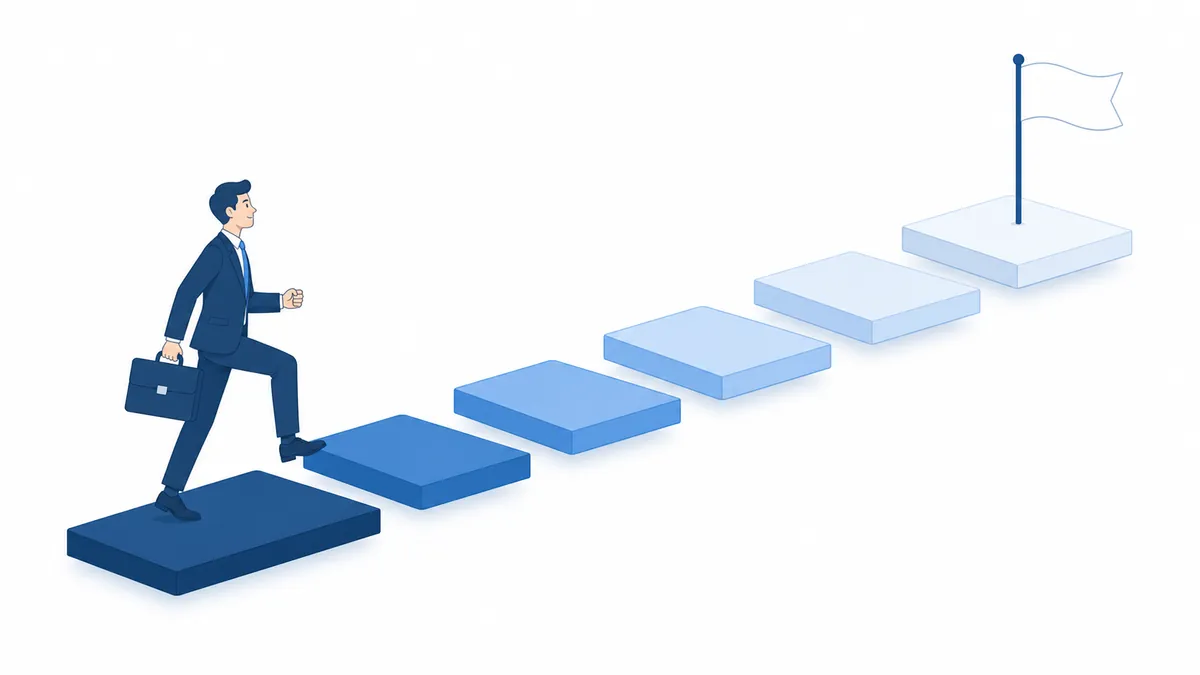
How a rollout goes
Six steps from the first conversation to going live. Day-to-day operation afterwards happens in the console, which makes handing it over to the customer straightforward.
Frequently asked questions
These are the questions we are asked most often. If yours is not here, please ask.
QDo we have to cancel the PBX or cloud PBX we use now?
QCan it run in the cloud, or does the server have to be on our premises?
QCan we keep our existing phone numbers?
QDo we have to replace all our handsets?
QWhere are call recordings and transcripts stored?
QDo we have to record calls to use the AI features?
QCan we use it across several sites?
QWe are concerned about outages and power cuts.
QWill every employee be able to see all of the data?
QCan we migrate our existing customer list and phonebook?
For sales partners: what to lead with
It turns "replacing the phone system" into "adopting AI". Transcription, daily/weekly/monthly reports, automatic document creation, AI answering and customer-harassment protection are reasons a decision-maker can see the value of.
Built by voice communication specialists: AI × PBX.
ageet Corporation was founded in 2005. Working from SIP and VoIP technology, it built what became the domestic standard for smartphone extensions in Japan. The experience gained in environments with high security requirements is the foundation AGEphone Cowork stands on.
What we learned about interoperability from AGEphone, a softphone used by many companies and OEM partners, went into the design of the PBX engine and the management system.
Deployments include a secure calling system for a government-affiliated financial institution and cloud contact center builds — work where robustness is the requirement.
AGEphone Cowork integrates natively with our own smartphone extension service. Zero-touch setup, push notifications for incoming calls and push-to-talk all come from one place, device side included.
Make replacing the phone system an occasion to change how the company works.
Deployment, whether your existing equipment and numbers can be kept, how far you want to take AI, CRM and broadcast, and partner arrangements. We will set out an architecture and a picture of how it would work in your environment.
- This page reflects the position as of August 2026. The specifications, screen layouts and limits described here may change without notice.
- Using the AI features requires API configuration for the corresponding AI services. Some AI features may be subject to terms based on call volume and similar factors; we will advise separately.
- The comparison with replacing the PBX summarizes how such services are generally shaped, and is not a comparison with any particular service or provider.
- Pricing, build costs and maintenance and support terms are advised separately.
- AGEphone and AGEphone Cloud are products and services of ageet. Slack, ClickUp and the other product and service names mentioned are trademarks or registered trademarks of their respective owners.